GCFE practice: a different Windows forensics case for every student
The GCFE objectives live in a handful of Windows artifacts: the registry, Prefetch, LNK and jump lists, USB device history, and the event logs. The hard part of teaching them isn't the content. It's giving every student enough genuinely different evidence to practice on.
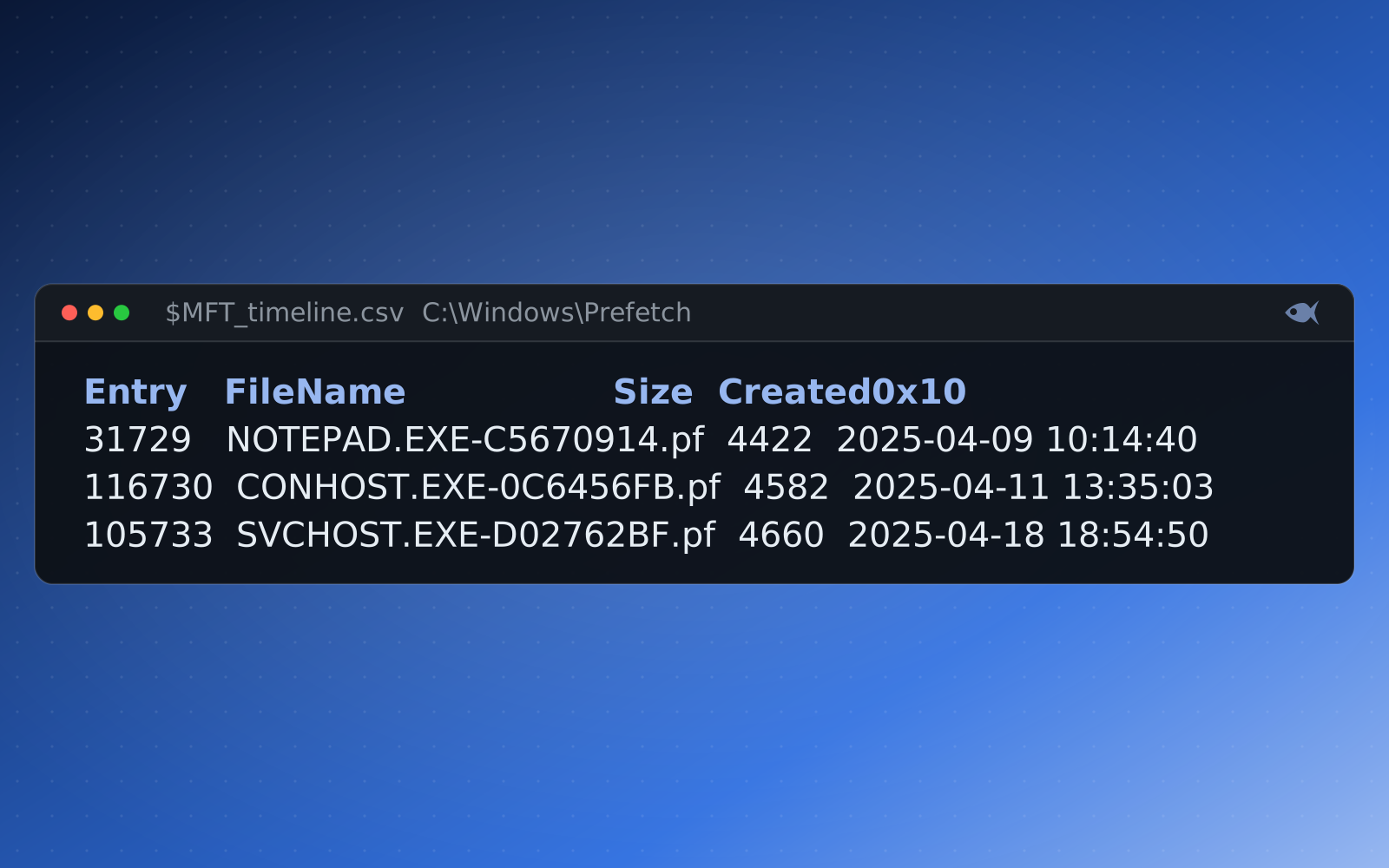
If you prep students for the GCFE, you spend most of your time in the same places: SYSTEM and SOFTWARE hives, the USBSTOR and MountedDevices keys, Prefetch run counts and timestamps, shortcut and jump-list targets, and the Security and System event logs. Those artifacts are where the exam lives, and they're where a Windows investigation actually gets solved.
The problem is repetition. A student who works one registry hive has seen one USBSTOR layout, one set of serial numbers, one last-write time. To build real fluency they need to do it again and again on evidence that's actually different each time, not the same disk image with the question numbers shuffled. Authoring that many cases by hand is where most courses give up.
One case, a different Windows box for every student
Red Herrings takes one authored Windows scenario and generates an individually seeded machine for every student. Each student's box has its own hostname, user accounts, device serial numbers, run counts, file hashes and timestamps, so each student's answers are their own. Ask "what's the serial number of the USB device first connected on the day of the incident?" and thirty students get thirty different correct answers. A copied answer is wrong.
Fluency in Windows forensics comes from reps. Per-student evidence turns one case into thirty different sets of reps, and makes a copied answer the wrong answer.
The evidence is written in real on-disk formats, so students work it in the tools they'll use on the job and on exam day: Registry Explorer for the hives, PECmd for Prefetch, LECmd and JLECmd for shortcuts and jump lists, EvtxECmd for the event logs. Nothing is a screenshot or a multiple-choice stand-in. If a key is on the answer sheet, it's in the hive.
What a GCFE-aligned case covers
A single Windows case can exercise the whole spread of artifacts the objectives care about:
- Registry: computer name and time zone, services and Run keys, UserAssist and RecentDocs, and the
USBSTORentries that tie a removable drive to the machine. - Program execution: Prefetch first- and last-run times and run counts, plus the UserAssist entries that corroborate them.
- File and folder access: LNK targets, jump lists, and the MFT and Recycle Bin entries that show what was opened, moved or deleted.
- Event logs: logon types in the Security log, service installs and system events, and the timeline you can build by correlating them with the artifacts above.
Every generated variant is independently re-solved and verified before it's released. It's the verification check: a separate parser pass (python-registry, python-evtx, windowsprefetch, LnkParse3 and the rest) re-derives every answer from the student's own files, so the key is provably correct against the exact evidence they receive. It's never hand-written, and it never drifts from the files.
Guided mode for students who are still learning the tools
Pointing a beginner at a raw hive and saying "find the USB serial" rarely works the first time. On the Solution screen, guided mode walks a student from a nudge about where to look, to how to work it with the right tool, to the answer, one question at a time, so a learner who is stuck gets unstuck without being handed the solution. An optional guided worksheet prints the hints under each question with a tool quick-start appendix, so students can begin away from the app.
Where it fits in the pathway
The GCFE Windows track in Red Herrings is a ladder of these cases, aligned to the published objectives of the exam, that climbs from a First Look at a single artifact to full multi-artifact investigations. Students practice the same skills the exam tests, on evidence that's new every time, and you grade the whole class at once, with a dashboard that shows which artifact tripped the most people up.
The First Look cases are free, and a 30-day trial adds a set of sample cases. It runs on your machine, and you can generate a per-student registry-and-event-log case.