Analyze a disk image in Autopsy: a beginner's walkthrough
Autopsy is where most people start in digital forensics. It's a free, open-source front end for The Sleuth Kit, so you can open a disk image and look through the file system, deleted files, web history and registry without a license or a long setup. Here's how to work a case in it.
Get Autopsy
Autopsy is free and open source. Download the installer from autopsy.com and run it; on Windows it bundles everything you need. Our Tools & setup page lists it alongside the rest of the toolkit a case expects.
Create a case and add the evidence
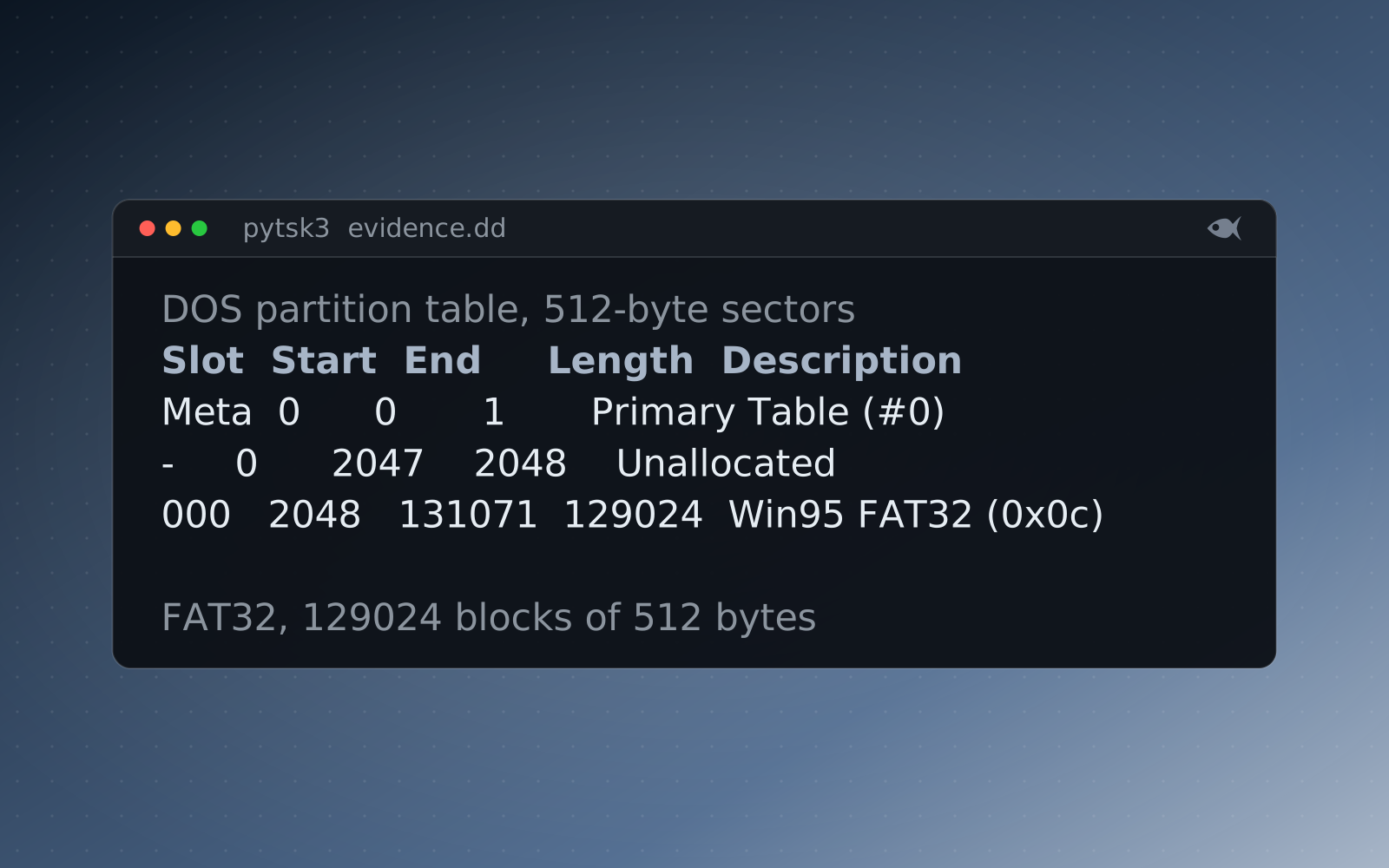
Choose New Case, give it a name and a folder, then run Add Data Source. For a raw or E01 image (.dd, .E01), pick "Disk Image or VM File". For a folder of already-extracted artifacts, pick "Logical Files". The free sample lab ships an evidence.dd that loads this way, so you can follow along on something real.
Run the right ingest modules
Ingest modules are the parsers Autopsy runs over the image. You don't need all of them on the first pass. These four cover most cases:
- Recent Activity: web history, downloads, installed programs, USB device history.
- File Type Identification and Extension Mismatch Detector: flag a file whose contents don't match its extension.
- Hash Lookup: filter known-good files and flag known-bad ones.
- Keyword Search: find a filename, user or string anywhere on the image.
They run in the background, and the tree on the left fills in as each one finishes.
Where the answers usually are
- Data Artifacts: web history, downloads, USB devices attached, programs that ran.
- Data Sources tree: browse to a user's folder. File Views, then Deleted Files lists what the file system marks as deleted, and the PhotoRec Carver module recovers files from unallocated space.
- Extension Mismatch: a
.jpgthat's really a.7zshows up here. It's a common way to hide a file. - Keyword Search: locate a string whether it's allocated or not.
- Timeline (Tools, then Timeline): every file and artifact on one scrubber, in order.
Don't stop at the first hit
One artifact on its own is weak. A prefetch entry, a LNK file and a USB device record that all line up tell a much better story. Our disk cases plant realistic background activity on purpose, so a good part of the work is ruling things out rather than grabbing the one obvious thing.
How it fits a Red Herrings case
Our Windows and disk cases are written in real on-disk formats, so Autopsy opens them with no special setup. Every student gets a different image with their own files, timestamps and answers, and each one is re-solved and verified before it goes out. The learning pathways start at First Look triage and build up to a capstone.
Run the free First Look cases or download the sample lab, or start the 30-day trial with sample cases to try, and generate a per-student case.