Detecting lateral movement in Windows event logs: the 4624 to 4688 pivot
Lateral movement leaves a two-part trail in the Windows Security log: a remote logon lands on a host, and then that logon session runs something. Teaching students to tie those two halves together is the core skill, and it hinges on one field almost everyone reads wrong at first.
Once an attacker has a foothold, the interesting part of the investigation is where they went next. In a Windows environment, moving from one host to another almost always produces a successful logon on the destination, and whatever they did after landing produces process-creation events under that same logon. The whole technique of tracing lateral movement comes down to connecting those two records and then repeating it across hosts. It's a perfect teaching problem because the evidence is concrete, the logic is strict, and the common mistakes are specific enough to grade.
Two event IDs carry the story
Almost everything a student needs lives in two Security-log events:
- 4624, a successful logon. The field that matters most is
LogonType. Type 3 is a network logon, the kind SMB and tools like PsExec produce. Type 10 is RemoteInteractive, which is RDP. Type 2 is a local interactive logon at the keyboard, which is the benign baseline you're trying to rule out. A Type 3 or Type 10 logon from an internal workstation that has no business authenticating to a server is the opening move of lateral movement. - 4688, a process creation. With command-line auditing enabled, this records the full command line, the new process, and its parent. This is where you see what the attacker actually ran once they were in.
The logon tells you someone arrived; the process events tell you what they did. The investigation is joining them.
The field students read wrong
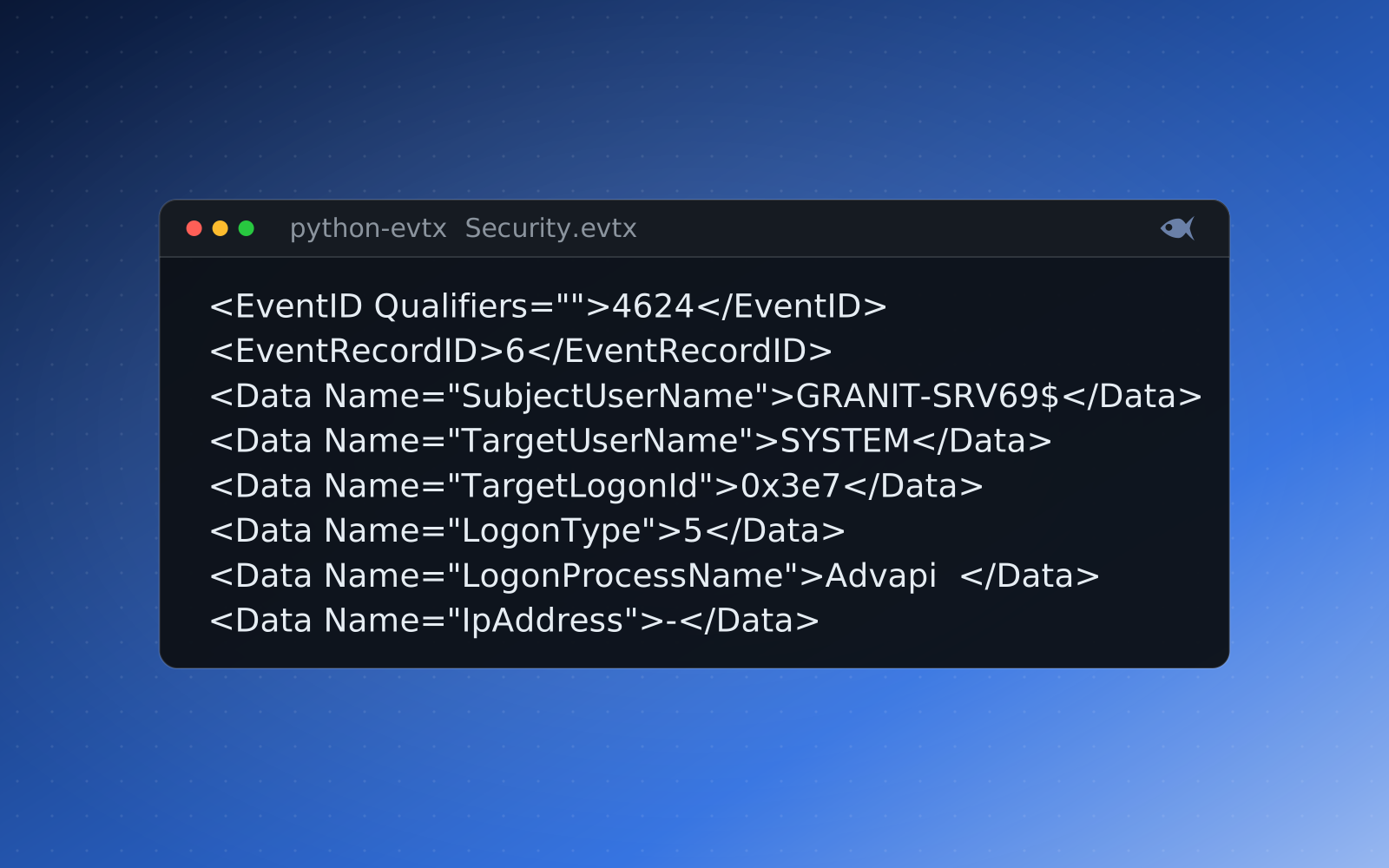
Here's the trap. A 4624 event has both a SubjectUserName and a TargetUserName, and they don't mean the same thing. On a logon event, the subject is the account that requested the logon, which for a network logon is frequently the machine account or a blank, while the target is the account that actually logged on. The account you care about, the one that moved laterally, is TargetUserName.
On a logon, the target is who logged on. On a process creation, the subject is who ran it. Point a student at the wrong field and they'll confidently name the machine account as the attacker.
On a 4688 process-creation event the subject is the actor (the target fields are usually empty), so SubjectUserName is who ran the process. A student who learns "always read SubjectUserName" from the process events and then applies it to the logon event names the wrong party. Teaching the subject-versus-target distinction explicitly, and making students prove which account moved by reading the correct field on each event, is half the value of the lab.
<EventID Qualifiers="">4624</EventID>
<TimeCreated SystemTime="2025-01-26 08:12:20.242645+00:00"></TimeCreated>
...
<EventData><Data Name="SubjectUserSid">S-1-5-18</Data>
<Data Name="SubjectUserName">GRANIT-SRV69$</Data>
<Data Name="SubjectDomainName">GRANITEENERGY</Data>
<Data Name="SubjectLogonId">0x3e7</Data>
<Data Name="TargetUserSid">S-1-5-21-2282483325-1303506399-2861126779-1132</Data>
<Data Name="TargetUserName">zdas</Data>
<Data Name="TargetDomainName">GRANITEENERGY</Data>
<Data Name="TargetLogonId">0x97f01b5</Data>
<Data Name="LogonType">2</Data>
...
<Data Name="WorkstationName">GRANIT-SRV69</Data>
...
<Data Name="IpAddress">127.0.0.1</Data>
<Data Name="IpPort">0</Data>
...<EventID Qualifiers="">4688</EventID>
<TimeCreated SystemTime="2025-01-26 16:06:18.810820+00:00"></TimeCreated>
...
<EventData><Data Name="SubjectUserSid">S-1-5-21-2282483325-1303506399-2861126779-1132</Data>
<Data Name="SubjectUserName">zdas</Data>
<Data Name="SubjectDomainName">GRANITEENERGY</Data>
<Data Name="SubjectLogonId">0x97f01b5</Data>
<Data Name="NewProcessId">0x89b8</Data>
<Data Name="NewProcessName">C:\Program Files\Google\Chrome\Application\chrome.exe</Data>
...
<Data Name="CommandLine">"C:\Program Files\Google\Chrome\Application\chrome.exe"</Data>
<Data Name="TargetUserSid">S-1-0-0</Data>
<Data Name="TargetUserName">-</Data>
<Data Name="TargetDomainName">-</Data>
<Data Name="TargetLogonId">0x0</Data>
<Data Name="ParentProcessName">C:\Windows\explorer.exe</Data>
...The pivot: logon session to process
The link that welds a logon to the processes it spawned is the logon ID. A 4624 event issues a TargetLogonId, a hex value that identifies that specific logon session. Every process started inside that session carries the same value as its SubjectLogonId on the 4688 event. Match them and you've turned "someone logged on remotely" into "this remote logon then ran these exact commands":
Step 1  Find the suspicious remote logon
        4624  LogonType=3  TargetUserName=svc-backup
              IpAddress=10.12.4.31  TargetLogonId=0x8F3A21

Step 2  Pivot on the session into process creation
        4688  SubjectLogonId=0x8F3A21  SubjectUserName=svc-backup
              NewProcessName=...\cmd.exe
        4688  SubjectLogonId=0x8F3A21  SubjectUserName=svc-backup
              NewProcessName=...\reg.exe  CommandLine="reg save hklm\sam ..."
That single hex value is the spine of the whole timeline. It's also how you separate the attacker's session from the dozens of benign logons happening on a busy server at the same moment. Two logons by the same username at nearly the same second are distinct sessions with distinct logon IDs, and only one of them ran reg save hklm\sam.
Follow it across hosts
Lateral movement is rarely a single hop, and the same two events let you chase it. The IpAddress and WorkstationName on the 4624 tell you where the logon came from, so the source of a Type 3 logon on the file server is the workstation the attacker is operating from. Find that workstation's own logs, and the process that initiated the outbound connection sits under its own logon session there. Walk it back far enough and you reach patient zero; walk it forward and you scope every host the credentials touched. A few supporting events sharpen the picture: 4672 flags a session granted administrator rights, 4648 marks a logon with explicitly supplied credentials (runas, or PsExec with -u), and a 7045 service install in the System log is the fingerprint PsExec leaves when it drops its service to execute.
The tools, and the habit
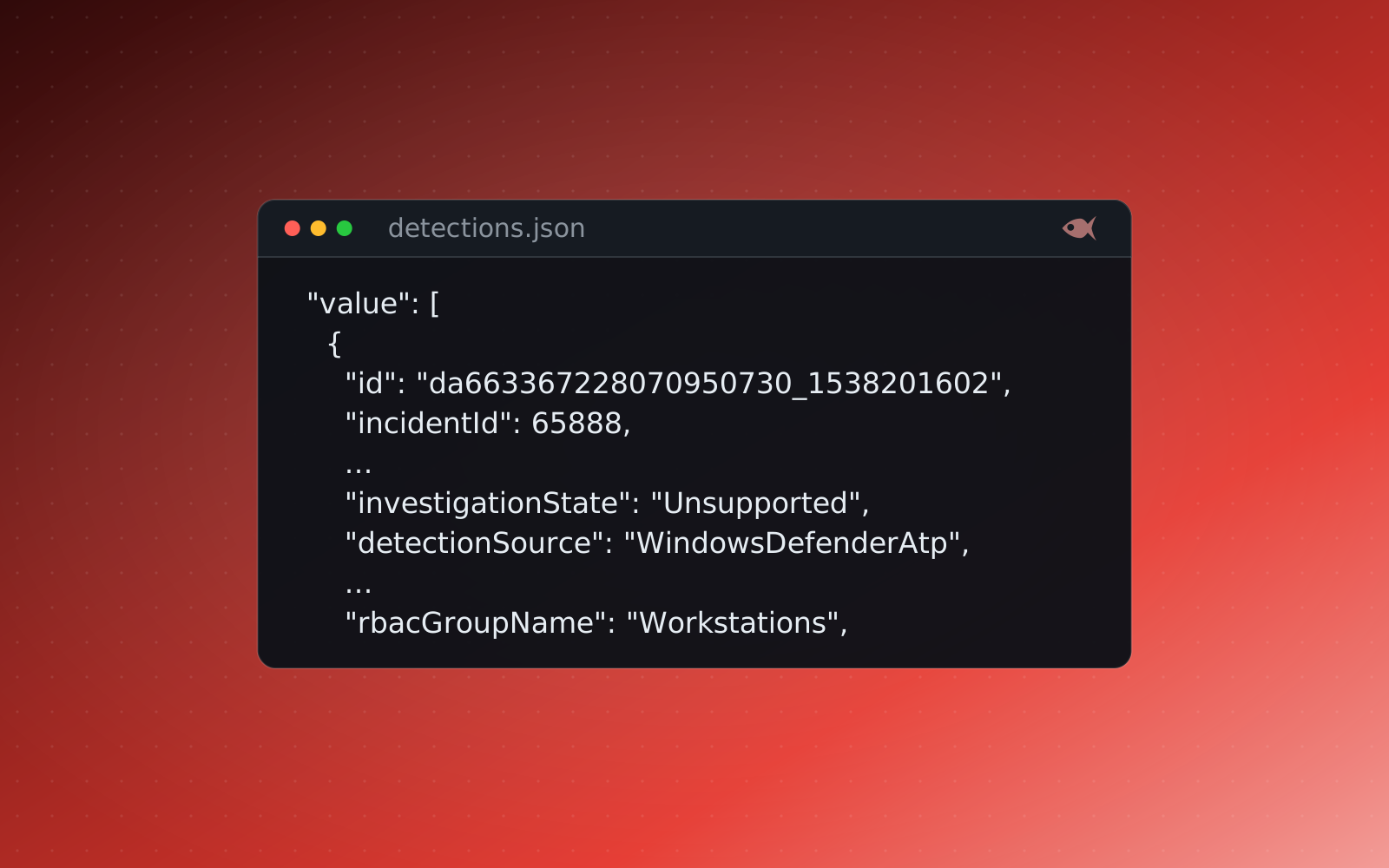
Students work this in the tools a responder uses. EvtxECmd renders the .evtx files to a single normalized CSV, and Timeline Explorer lets them filter to event ID 4624, sort by logon type, grab the logon ID of the suspicious session, and then filter 4688 to that same ID. The muscle memory to build is filter, pivot, corroborate: isolate the anomalous logon, pivot to the processes under its session, and confirm with a second artifact before calling it. That's the same loop whether the evidence is a raw event log in a forensics case or an EDR detection feed in an incident-response case, where the logon-to-process chain is already assembled as a process tree.
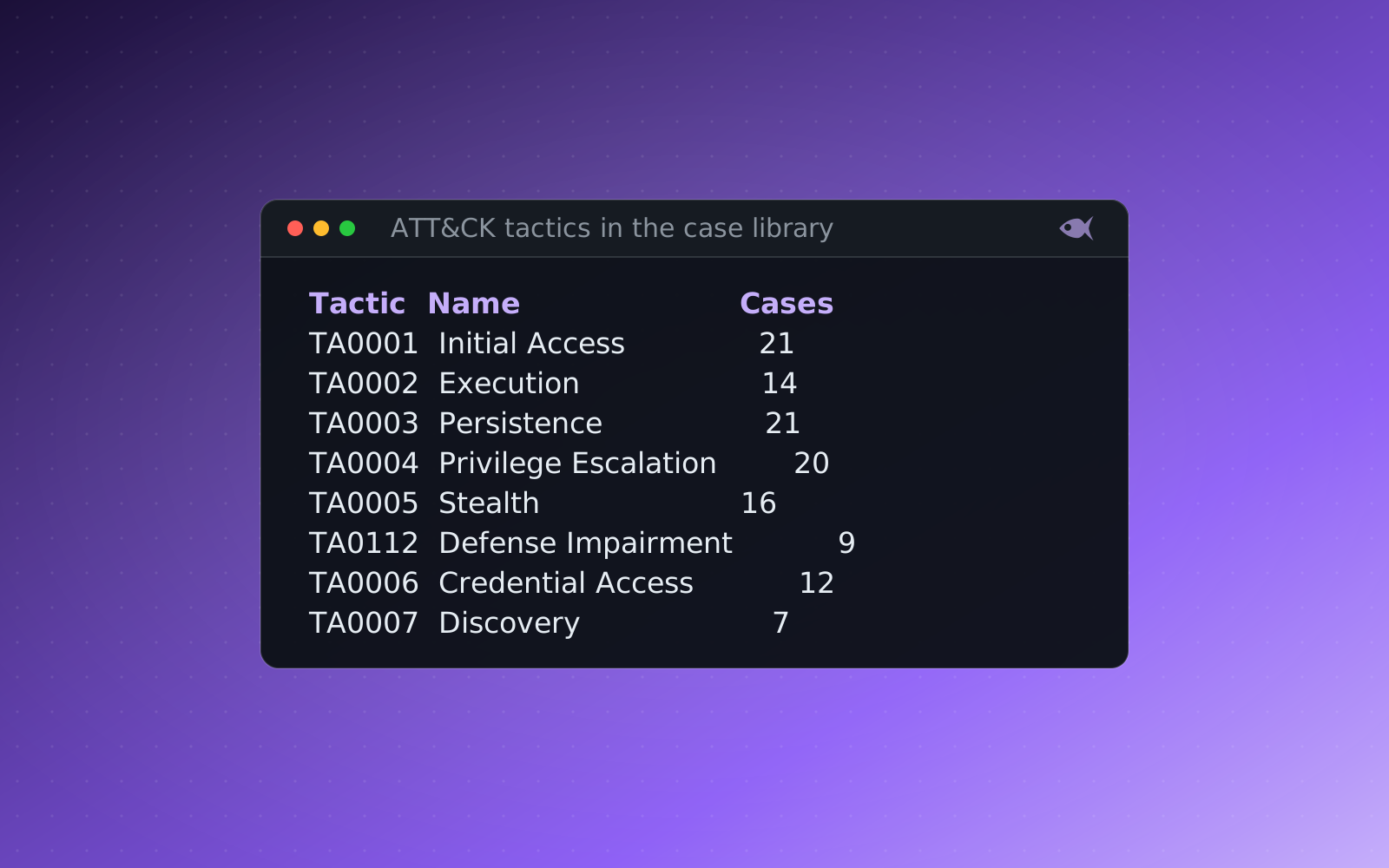
The behavior maps cleanly onto MITRE ATT&CK: the remote logon is T1021 Remote Services, RDP as T1021.001 and SMB and admin shares as T1021.002, logging on with stolen credentials is T1078 Valid Accounts, and pass-the-hash is T1550.002. Naming the technique after finding it in the logs is how the framework becomes a lens rather than a chart to memorize.
A different chain for every student
The lateral-movement cases in Red Herrings generate real, binary Windows event logs (EVTX), individually seeded per student. Each student gets their own hostnames, account names, source IP addresses, logon IDs and timestamps, so the session every student has to pivot on is a different hex value and the account that moved is a different name. Ask "which account moved from the workstation to the domain controller, and what logon ID did that session use?" and thirty students produce thirty different, individually correct answers. A copied logon ID belongs to someone else's evidence, so it's wrong.
Every generated variant is re-solved and verified before release by the verification check, an independent parser pass that reads the student's own event logs with python-evtx, performs the 4624-to-4688 pivot, and re-derives each answer from the correct field, so the key can't drift from the evidence or quietly confuse the subject and target. The case sits on the Windows and incident-handling pathways, useful for GCFE and GCIH preparation alike.
The First Look cases are free, and a 30-day trial adds a set of sample cases. It runs on your machine, and you can generate a per-student Windows event-log case with its own logon chain.