Extract TLS certificates from a PCAP with Wireshark and tshark
A TLS 1.2 handshake carries the server's certificate chain in the clear, and Wireshark decodes all of it. TLS 1.3 encrypts that message, so without the session keys you're left with the name the client asked for.
A workstation's HTTPS payloads are out of reach without keys. Its handshakes aren't. In TLS 1.2 the server's certificate chain crosses the wire before encryption starts. In TLS 1.3 it's encrypted, and the ClientHello's server name is what's left. Both are easy to over-read: a certificate says a lot about who issued it and little about who runs the server.
The case examples are background traffic in a Windows workstation's capture from a lab generated for this post. The self-signed ones come from a loopback capture made with OpenSSL 3.0.13. All were read with tshark 4.2.2.
What crosses the wire in the clear
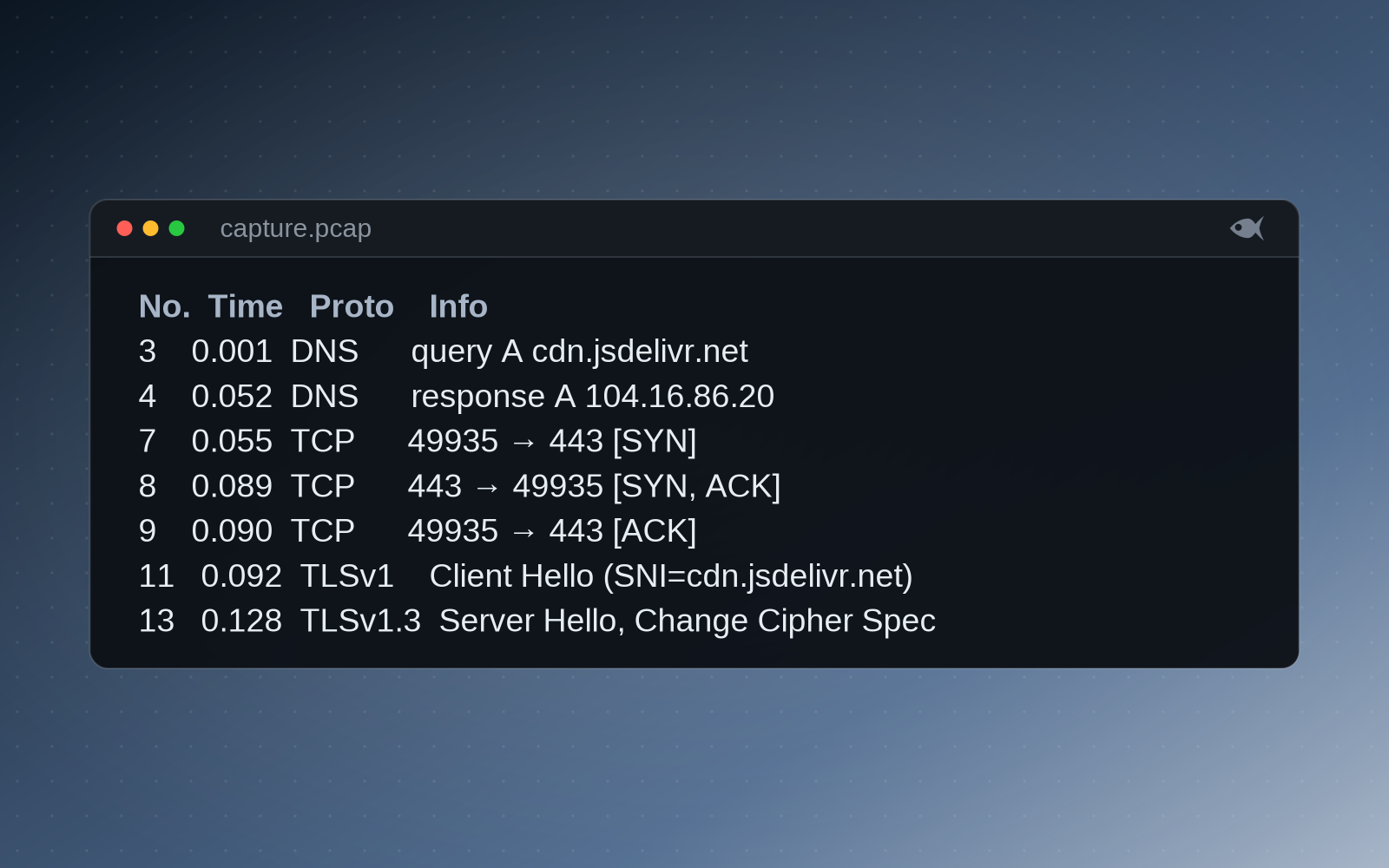
TLS 1.2 runs unencrypted (RFC 5246, 6.1) until each side sends ChangeCipherSpec. Before that you can read the ClientHello with its Server Name Indication (SNI), the ServerHello and the Certificate message: the server's certificate first, then each one that signed the one before it. The root can be left out (RFC 5246, 7.4.2).
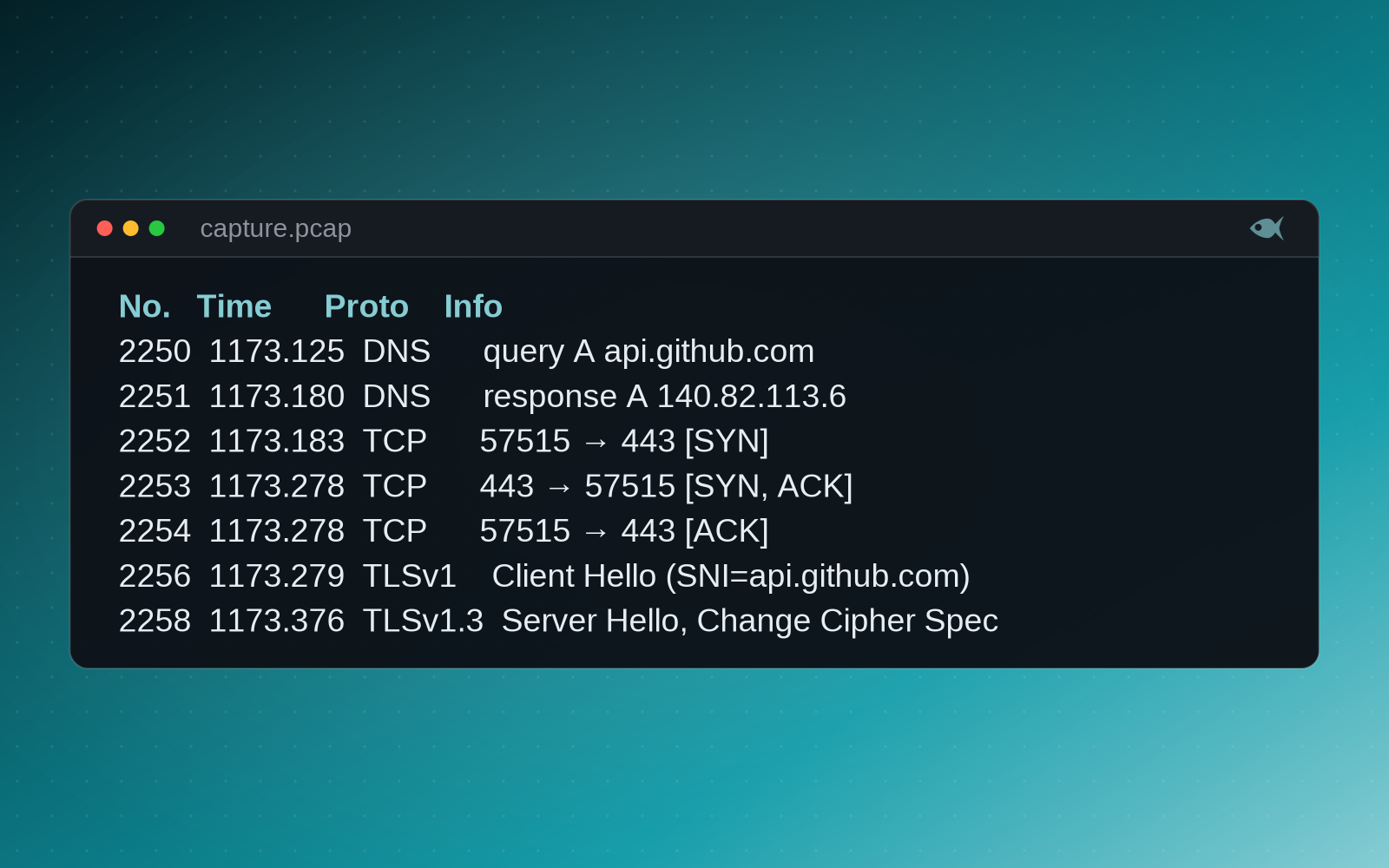
In TLS 1.3, "All handshake messages after the ServerHello are now encrypted" (RFC 8446, 1.2). Those records carry an outer content type of 23 (RFC 8446, 5.2), so Wireshark labels the certificate flight Application Data. A resumed TLS 1.2 session is the third case: the client presents a session ticket and the server answers without a Certificate (RFC 5077, 3.1). The lab capture has all three:
$ tshark -r capture.pcap -Y 'tcp.stream in {2,6,16} && tls.handshake.type in {1,2,11}' \
    -T fields -e tcp.stream -e frame.number -e _ws.col.Info
2       130     Client Hello (SNI=www.google.com)
2       132     Server Hello, Change Cipher Spec
6       358     Client Hello (SNI=activity.windows.com)
6       360     Server Hello
6       362     Certificate, Server Key Exchange, Server Hello Done
16      1092    Client Hello (SNI=activity.windows.com)
16 1094 Server Hello, New Session Ticket, Change Cipher Spec, Encrypted Handshake MessageTo read a TLS 1.2 server's certificate, find the first full handshake to it.
Reading the chain
In Wireshark, tls.handshake.type == 11 finds every readable Certificate message. Expand each certificate's signedCertificate. Fields follow X.509's order (RFC 5280, 4.1), so issuer comes before subject. tshark prints the tree with -O tls:
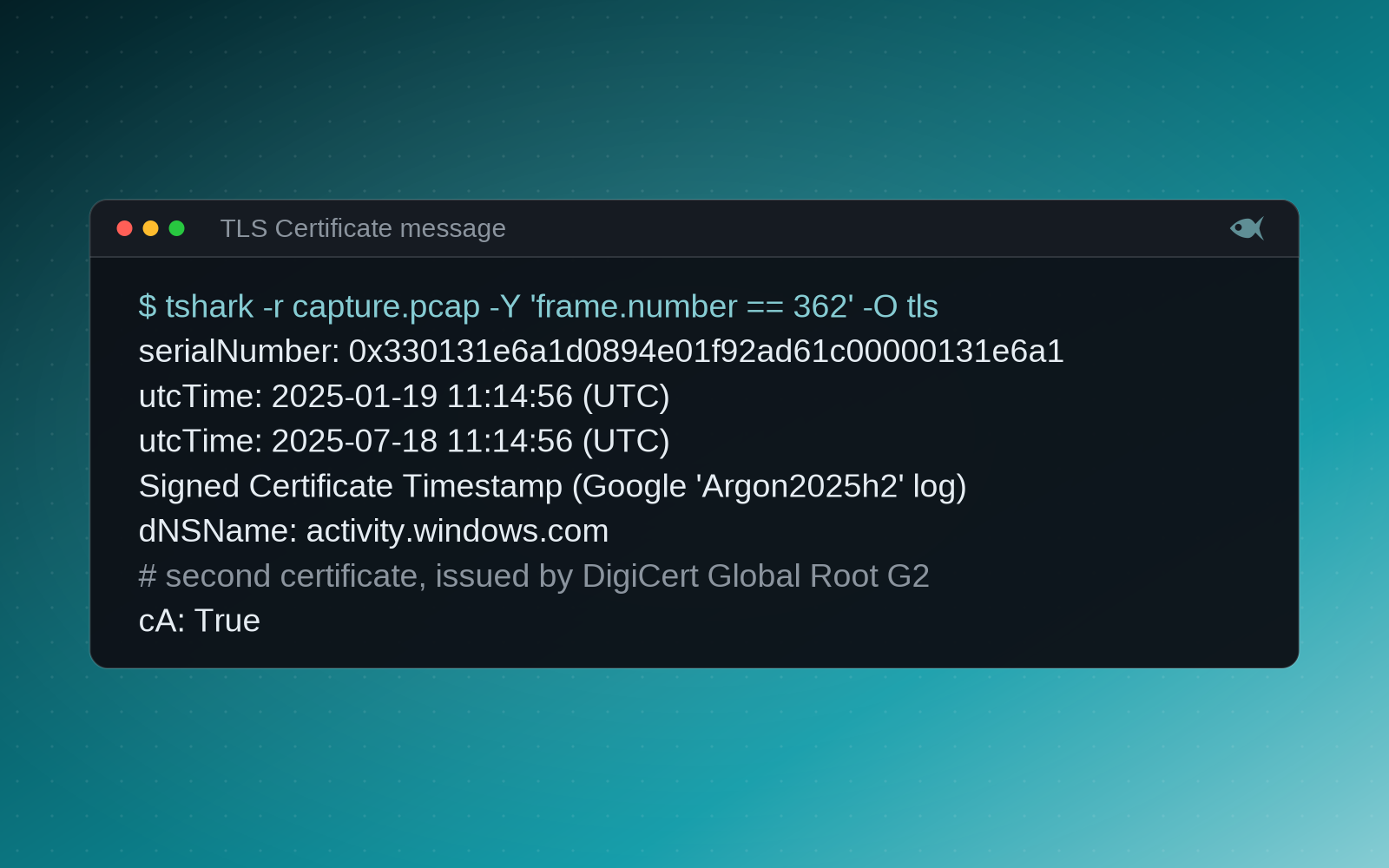
$ tshark -r capture.pcap -Y 'frame.number == 362' -O tls |
    grep -E 'serialNumber|rdnSequence: |utcTime: |Timestamp \(|dNSName: |cA:' |
    sed 's/^ *//'
serialNumber: 0x330131e6a1d0894e01f92ad61c00000131e6a1
rdnSequence: 3 items (id-at-commonName=Microsoft Azure RSA TLS Issuing CA 07,id-at-organizationName=Microsoft Corporation,id-at-countryName=US)
utcTime: 2025-01-19 11:14:56 (UTC)
utcTime: 2025-07-18 11:14:56 (UTC)
rdnSequence: 5 items (id-at-commonName=activity.windows.com,id-at-organizationName=Microsoft Corporation,id-at-localityName=Redmond,id-at-stateOrProvinceName=WA,id-at-countryName=US)
Signed Certificate Timestamp (Google 'Argon2025h2' log)
Signed Certificate Timestamp (DigiCert Yeti2025 Log)
Signed Certificate Timestamp (Sectigo 'Sabre2025h2')
dNSName: activity.windows.com
serialNumber: 0x0a43a9509b01352f899579ec7208ba50
rdnSequence: 4 items (id-at-commonName=DigiCert Global Root G2,id-at-organizationalUnitName=www.digicert.com,id-at-organizationName=DigiCert Inc,id-at-countryName=US)
utcTime: 2023-06-08 00:00:00 (UTC)
utcTime: 2026-08-25 23:59:59 (UTC)
rdnSequence: 3 items (id-at-commonName=Microsoft Azure RSA TLS Issuing CA 07,id-at-organizationName=Microsoft Corporation,id-at-countryName=US)
cA: TrueThat's an ordinary public chain: a leaf whose SAN names the host, valid 180 days, with signed certificate timestamps (SCTs, RFC 6962) from three Certificate Transparency logs, then the issuing CA. For a table, use -T fields and check the names on your build with tshark -G fields | grep -i x509:
tls.handshake.extensions_server_name: the SNI (ClientHello).x509ce.dNSName: each SAN name.x509af.serialNumber: the serial, as hex.x509af.utcTime: notBefore and notAfter. Dates from 2050 on usex509af.generalizedTime(RFC 5280, 4.1.2.5).x509sat.printableStringandx509sat.uTF8String: name strings, issuer's first. Microsoft's are PrintableString and the OpenSSL certificate below has UTF8String, so pull both.
Two traps. x509af.issuer and x509af.subject print 0, an ASN.1 choice index. And every certificate's values share one comma-separated cell, leaf first. For one certificate whole, select it in Wireshark, use Export Selected Packet Bytes and read the file with openssl x509 -inform DER -noout -text.
TLS 1.3 and the key log
Without keys, TLS 1.3 gives you the SNI and no certificate. RFC 6066 makes the SNI optional and bars IP addresses from it. With Encrypted Client Hello (RFC 9849), the outer ClientHello carries a public name and the real one is encrypted.
Firefox, Chrome and curl write session secrets to the file named in SSLKEYLOGFILE, and Wireshark decrypts with it through the (Pre)-Master-Secret log filename preference, tls.keylog_file. An RSA private key doesn't work for TLS 1.3 (Wireshark wiki, TLS). You'll only have a key log if someone set it on the client beforehand. Here's a self-signed certificate made for this post, reached over TLS 1.2 and TLS 1.3 with an SNI it doesn't cover:
openssl req -x509 -newkey rsa:2048 -nodes -keyout key.pem -out cert.pem -days 14 \
    -subj "/CN=srv01.example" -addext "subjectAltName=DNS:srv01.example"
dumpcap -q -i lo -f "tcp port 4443" -w own.pcapng &
openssl s_server -accept 127.0.0.1:4443 -cert cert.pem -key key.pem -www -quiet &
echo | openssl s_client -connect 127.0.0.1:4443 -servername cdn.example.net -tls1_2
echo | openssl s_client -connect 127.0.0.1:4443 -servername cdn.example.net -tls1_3 -keylogfile keys.log
$ tshark -r own.pcapng -Y 'tls.handshake.type == 11' -T fields -e frame.number \
-e x509sat.uTF8String -e x509ce.dNSName
6 srv01.example,srv01.example srv01.example
$ tshark -r own.pcapng -o tls.keylog_file:keys.log -Y 'tls.handshake.type == 11' \
-T fields -e frame.number -e x509ce.dNSName -e x509af.serialNumber -e x509af.utcTime
6 srv01.example 7bad50e5635f58206c59f8cee448f5a9a4987b2c 2026-11-28 03:21:56 (UTC),2026-12-12 03:21:56 (UTC)
21 srv01.example 7bad50e5635f58206c59f8cee448f5a9a4987b2c 2026-11-28 03:21:56 (UTC),2026-12-12 03:21:56 (UTC)Public CA, self-signed or freshly issued
Each signal can mislead alone.
- Issuer equals subject. A self-signed certificate has the same issuer and subject and verifies with its own key (RFC 5280, 3.2). Frame 6's
srv01.example,srv01.exampleis the issuer's CN, then the subject's. Remote Desktop's default certificate is self-signed too (Microsoft Learn, KB 3042780). It means no public CA issued it, nothing more. - A SAN that doesn't match the SNI. Clients match the requested name against SAN dNSName entries, never the CN, and a wildcard covers one label (RFC 9525), so the lab's
*.events.data.microsoft.comleaf fitsv20.events.data.microsoft.com. A completed session with a mismatch means the client didn't check.openssl s_clientcarries on after verification errors by default, so both connections above finished. No SNI, nothing to compare. - Very short validity. Short is normal: Let's Encrypt issues 90-day certificates (six-day on request), and the CA/Browser Forum's Baseline Requirements cap public ones issued from 15 March 2026 at 200 days, 47 by 2029. Compare notBefore with the capture: a certificate issued hours before the first connection dates the setup, though Let's Encrypt advises renewing at 60 days, so recent is routine there.
- Odd serials. The Baseline Requirements make a public CA's serial non-sequential, above zero and at least 64 bits of CSPRNG output, so serial 1 or a counting serial didn't come from one. The reverse proves nothing:
openssl req -x509picks a large random serial by default (20 bytes above). - A public chain. It clears nobody: anyone who owns a domain can get a trusted Let's Encrypt certificate free. Public leaves are logged (RFC 6962), so a Certificate Transparency search on the name shows its issuance history.
In the network cases
Red Herrings captures open every TLS conversation with a real handshake that fits the client. On a Windows host, Chrome and Edge speak TLS 1.3 and Windows services TLS 1.2 through Schannel, which resumes later connections from a session ticket. Since 1.18 the sites they reach over TLS 1.2 send public-CA chains: a leaf for the SNI, then the real issuing CA's certificate (Let's Encrypt R11 or Microsoft Azure RSA TLS Issuing CA 07) byte for byte. Each leaf copies what real leaves of its CA and date carry (extensions, serial shape, validity, SCT logs), and every Certificate message opens in Wireshark without a malformed or expert warning. Each student's capture is their own.
The First Look cases are free, and a 30-day trial adds a medium and a hard case in each discipline. It runs on your machine and generates a different capture for every student.