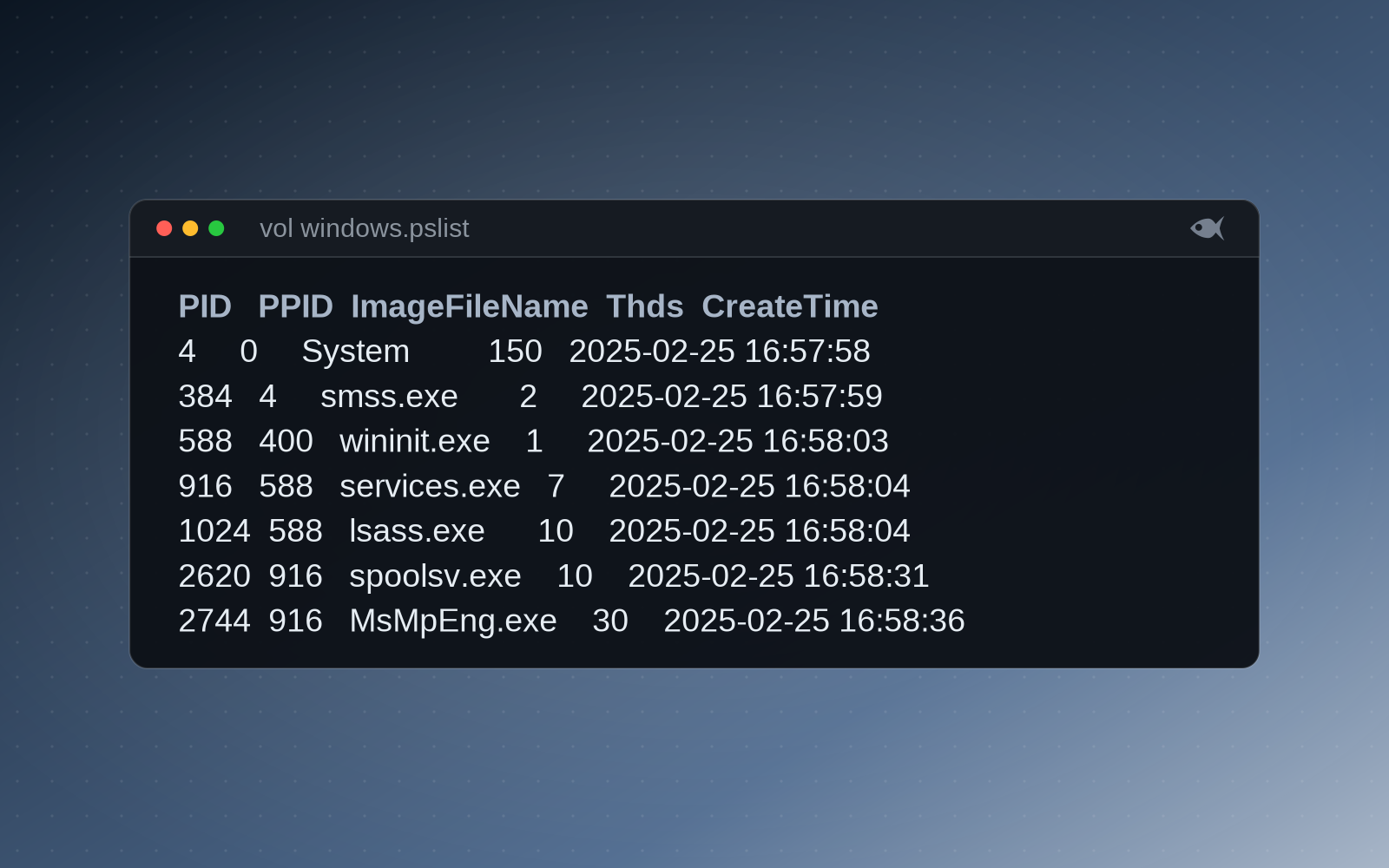
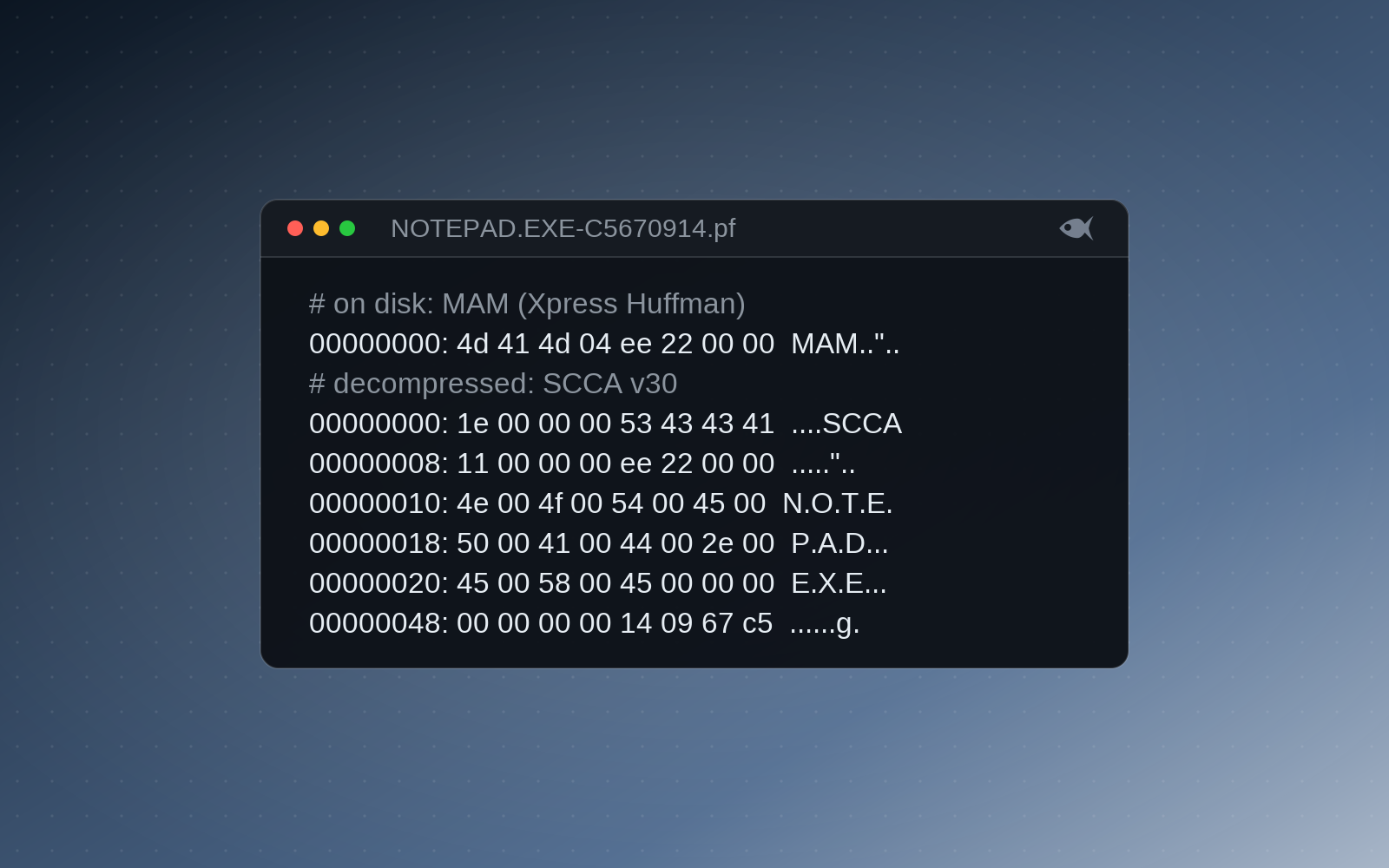
Volatility 3 dlllist and ldrmodules: find malicious DLLs in memory
Volatility 3's windows.dlllist and windows.modules list every DLL a process loaded and every driver the kernel loaded, with the address, size and path of each. Check those against the real files for the image's Windows build and a module that doesn't belong stands out.
Every Windows process keeps a list of the DLLs it loaded, and the kernel keeps one of its drivers. Volatility 3 prints them with windows.dlllist and windows.modules. On a clean host that's thousands of System32 rows, and the job is finding the one that doesn't fit.
The output below comes from a Windows 10 22H2 memory image in a lab generated for this post, read with Volatility 3 2.28.2 and pefile 2024.8.26. Every example is a stock Windows process or driver.
dlllist: one process's modules
windows.dlllist walks each process's loader list in load order (the PEB's InLoadOrderModuleList). Each row gives Base, where the module is mapped; Size, the SizeOfImage in the loader entry; Name; Path; and LoadTime in UTC. --pid picks processes, --name takes a regular expression, and --dump writes each listed module to a file. Here's lsass.exe, other columns hidden:
$ vol -r pretty --hide-columns pid process loadcount file -f memory.dmp windows.dlllist --pid 904
Volatility 3 Framework 2.28.2
  |           Base |     Size |                     Name |                                         Path |                       LoadTime
* | 0x7ff76e840000 |  0x12000 |                lsass.exe |                C:\Windows\System32\lsass.exe | 2025-06-11 18:18:30.000000 UTC
* | 0x7ffd708f0000 | 0x1f8000 |                ntdll.dll |                C:\Windows\SYSTEM32\ntdll.dll | 2025-06-11 18:18:31.000000 UTC
* | 0x7ffd56110000 |  0xc2000 |             KERNEL32.DLL |             C:\Windows\System32\KERNEL32.DLL | 2025-06-11 18:18:31.000000 UTC
...
* | 0x7ffd6b540000 | 0x1a7000 |               lsasrv.dll |               C:\Windows\System32\lsasrv.dll | 2025-06-11 18:18:31.000000 UTC
...Read LoadTime against the process's start: a DLL that arrived hours later was loaded on demand, and something asked for it. Read Base across processes: ntdll.dll sits at 0x7ffd708f0000 in all 57 processes that list it here, so a copy at another address stands out.
modules: the kernel's drivers
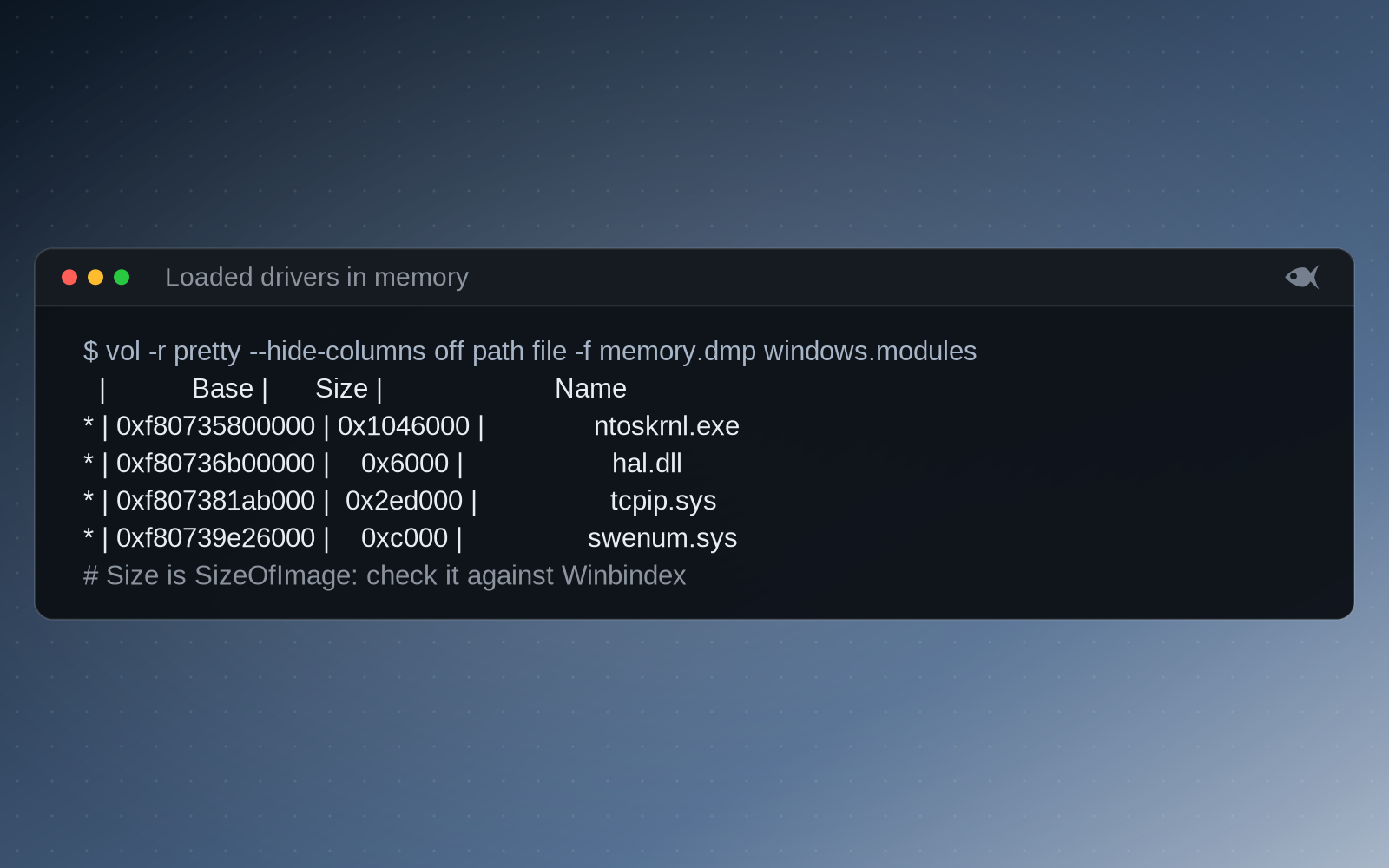
windows.modules reads the kernel's PsLoadedModuleList and prints Offset, Base, Size, Name, Path and File output. --name matches a substring, --base picks one module and --dump extracts.
$ vol -r pretty --hide-columns offset file -f memory.dmp windows.modules
  |           Base |      Size |                      Name |                                                                                         Path
* | 0xf80735800000 | 0x1046000 |              ntoskrnl.exe |                                                            \SystemRoot\system32\ntoskrnl.exe
...
* | 0xf80737b80000 |   0x5a000 |              WdFilter.sys |                                                 \SystemRoot\system32\drivers\wd\WdFilter.sys
...
* | 0xf807381ab000 |  0x2ed000 |                 tcpip.sys |                                                       \SystemRoot\System32\drivers\tcpip.sys
...
* | 0xf80739e26000 |    0xc000 |                swenum.sys | \SystemRoot\System32\DriverStore\FileRepository\swenum.inf_amd64_16a14542b63c02af\swenum.sys
...\SystemRoot. Defender's WdFilter.sys lives in drivers\wd, and swenum.sys loads from its package folder in the DriverStore.All 105 drivers here load from under \SystemRoot\System32. A DriverStore folder name ends in a hash of the driver package and changes when an update replaces the package, so the right name depends on the build too.
Where it loaded from
When a program loads a DLL by name alone, Windows uses its own copy of a known DLL (listed under HKLM\SYSTEM\CurrentControlSet\Control\Session Manager\KnownDLLs) and otherwise searches the program's own folder before System32. Microsoft's DLL security page names the risk: an attacker who controls a folder on that path "can place a malicious copy of the DLL in that directory", which it calls DLL preloading or binary planting. So check any system DLL name in a program's own folder, and anything under a user profile.
A first sweep:
vol -f memory.dmp windows.dlllist | grep -i -v 'C:\\Windows\\System32\\'On this image it also returns stock rows: Defender's MsMpEng.exe and its DLLs from C:\ProgramData\Microsoft\Windows Defender\Platform\4.18.24090.11-0, the versioned Platform folder Microsoft's Defender docs describe, comctl32.dll from WinSxS, and the shell hosts in C:\Windows\SystemApps. Per-user installs are normal too: the OneDrive sync app installs under %localappdata% by default.
Size and stamp against the real file
SizeOfImage is "the size (in bytes) of the image, including all headers, as the image is loaded in memory", and both plugins print it as Size. TimeDateStamp is defined as seconds since 1970, but Windows 10 is built reproducibly and Microsoft sets the field to a hash of the binary (Raymond Chen, The Old New Thing). On a Windows file it's an ID with one fixed value per version, which makes it the sharper check.
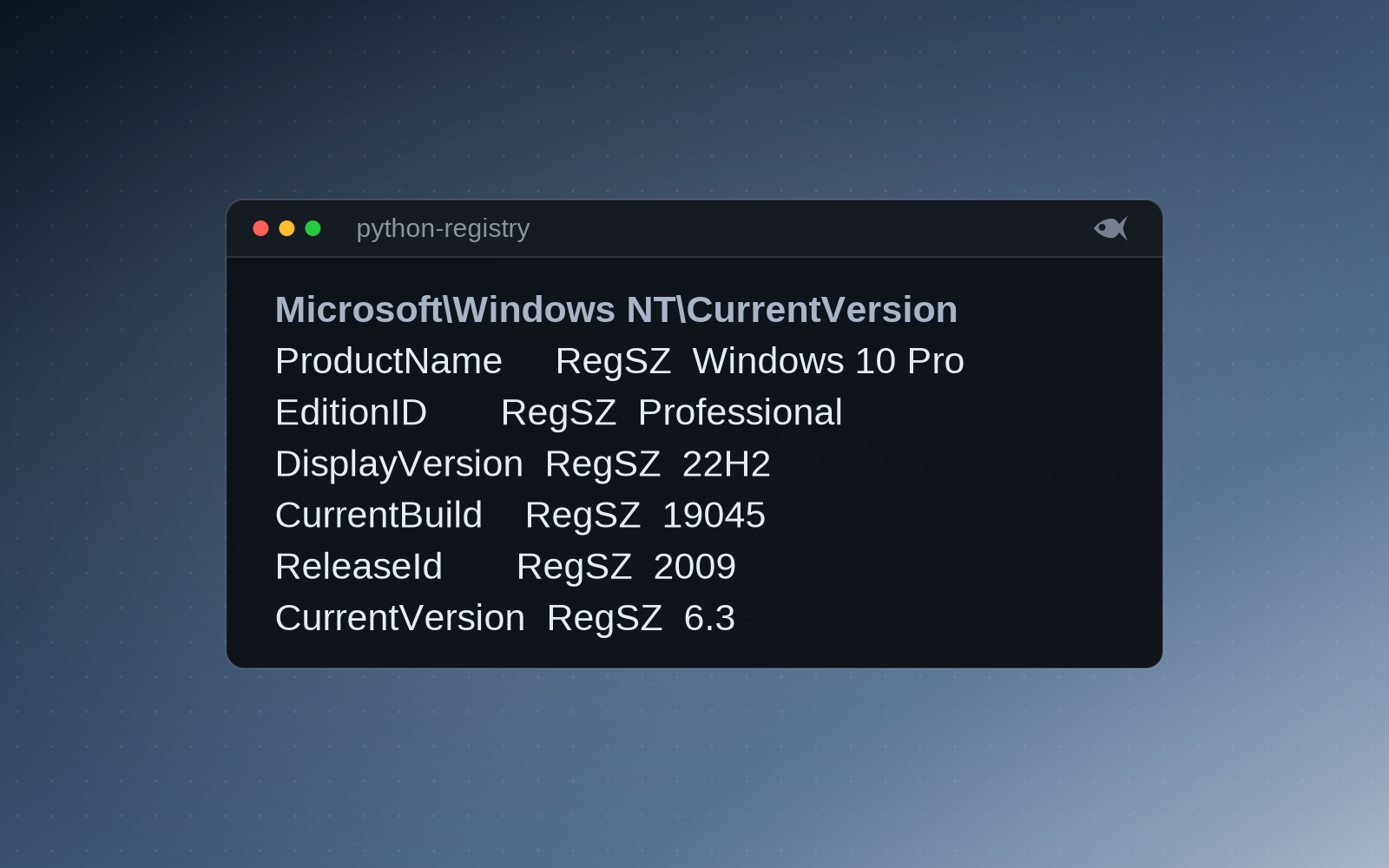
Pin the build first. windows.registry.printkey --key "Microsoft\Windows NT\CurrentVersion" gives CurrentBuild 19045, DisplayVersion 22H2 and UBR 5198, and Microsoft lists 19045.5198 as KB5046714, released November 21, 2024.
Then look the file up in Winbindex (winbindex.m417z.com), which indexes the files in Microsoft's update packages with their header values (virtualSize is SizeOfImage, timestamp is TimeDateStamp). For KB5046714 it lists ntdll.dll 10.0.19041.5007 (a file an update doesn't change keeps its older version) with SizeOfImage 0x1F8000 and TimeDateStamp 0x688F8C4B. Dump the module and read its header:
$ vol -r pretty --hide-columns pid process loadcount -f memory.dmp windows.dlllist --pid 904 --name ntdll --dump
  |           Base |     Size |      Name |                          Path |                       LoadTime |                                        File output
* | 0x7ffd708f0000 | 0x1f8000 | ntdll.dll | C:\Windows\SYSTEM32\ntdll.dll | 2025-06-11 18:18:31.000000 UTC | pid.904.ntdll.dll.0x230298a0900.0x7ffd708f0000.dmp
$ python3 -c 'import sys,pefile; pe=pefile.PE(sys.argv[1]); print(hex(pe.FILE_HEADER.TimeDateStamp), hex(pe.OPTIONAL_HEADER.SizeOfImage))' pid.904.ntdll.dll.0x230298a0900.0x7ffd708f0000.dmp
0x688f8c4b 0x1f8000As a date, 0x688F8C4B is August 3, 2025, months after that update shipped: the hash showing through. The kernel's stamp, in windows.info, is PE TimeDateStamp Sun Jul 30 19:44:45 2028: 0x6E2F622D, Winbindex's ntoskrnl.exe 10.0.19041.5198. Winbindex's 10.0.19041.5072 and 10.0.19041.5129 builds of it have the same SizeOfImage (0x1046000) and other stamps, so a matching size proves little alone. A system file whose stamp matches nothing the build's updates shipped needs explaining. Defender's platform and Store apps carry their own versions.
Unlinked DLLs: ldrmodules
dlllist sees only the load-order list. windows.malware.ldrmodules (formerly windows.ldrmodules) starts from memory instead. It walks the process's VADs, keeps each region that begins with an MZ header, and reports whether that base is in each of the PEB's three loader lists (InLoad, InInit, InMem) and what file the region maps (MappedPath). Unlink a DLL from the load-order list and dlllist stops printing it, but the mapping stays, so ldrmodules shows it with False under InLoad. A PE copied into private memory maps no file, and its MappedPath reads N/A.
$ vol -r pretty --hide-columns pid process -f memory.dmp windows.malware.ldrmodules --pid 904
  |           Base | InLoad | InInit | InMem |                                 MappedPath
...
* | 0x7ff76e840000 |   True |  False |  True |                \Windows\System32\lsass.exe
...
* | 0x7ffd708f0000 |   True |   True |  True |                \Windows\SYSTEM32\ntdll.dll
...In every stock process in this image, the process's own executable reads True, False, True and every DLL is True in all three. That's the baseline. For drivers, windows.modscan scans memory for module structures instead of walking PsLoadedModuleList. Its rows with a kernel-range Base are the same 105 drivers; rows with bases like 0x72006b0073 aren't kernel addresses, so drop them before you compare.
Traps
SYSTEM32andSystem32share one list. Microsoft says "Do not assume case sensitivity": compare paths case-insensitively.- dlllist writes
C:\Windows\..., ldrmodules\Windows\...and modules\SystemRoot\.... Normalize before you join them. - A Windows file's TimeDateStamp isn't a link time. Keep it off the timeline.
In the Windows cases
Red Herrings 1.18.0 gives every module in a Windows memory image the SizeOfImage and TimeDateStamp of a real file for the host's build. Windows files take Winbindex's values at the profile's update revision (Windows 10 22H2 at 19045.5198, Windows 11 at 22621.4601, Server 2019 at 17763.6640), Chrome's files those of Google's Chrome for Testing build, and OneDrive.exe those of Microsoft's installer. The loader entries, mapped headers and kernel module list share each stamp, as does Amcache's LinkDate where a case ships Amcache. A Server 2019 image loads no file that build doesn't ship, and inbox driver packages sit only in DriverStore folders read from Microsoft's install media.
The First Look cases are free, and a 30-day trial adds a medium and a hard case in each discipline. It runs on your machine and generates a different host for every student.