What to look for in a digital forensics lab platform: a buyer's guide
There are more hands-on DFIR training tools than there used to be, and they aren't interchangeable. Before you commit a budget, here are seven questions that separate a platform your learners build skills on from one that looks good in a demo.
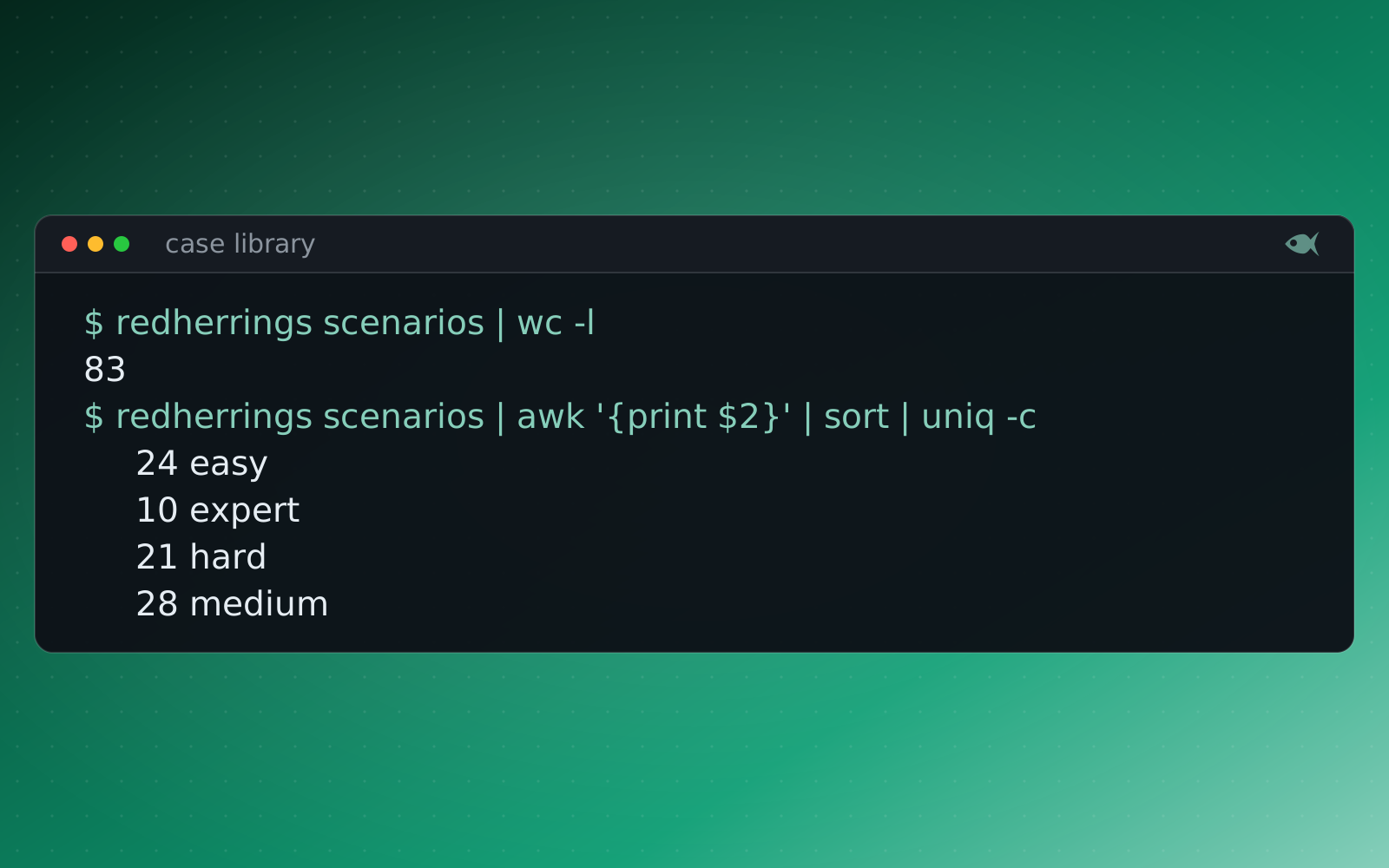
The questions are the same for a university course, a SOC's onboarding, or an agency's training program.
1. Is the evidence real, or a quiz in disguise?
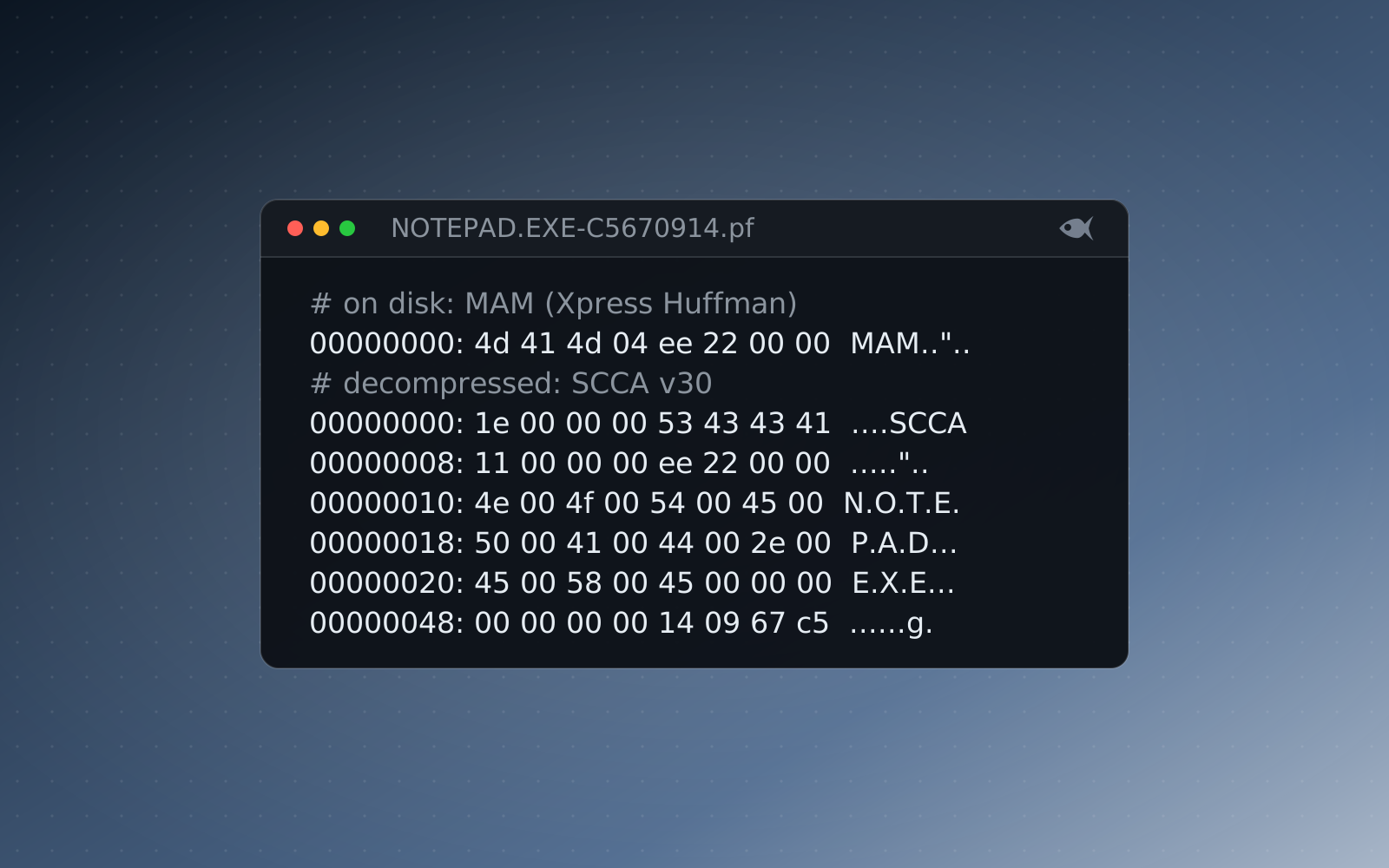
The point of a lab is to work the artifacts analysts meet on the job. Ask what the learner actually opens. If the answer is a web form with multiple-choice questions about forensics, that's a quiz with a forensics theme. If it's a real disk image, a memory capture, a packet capture, or an EDR export opened in Autopsy, Volatility, Wireshark or the EZ Tools, that's a lab.
2. Can you trust the answer key?
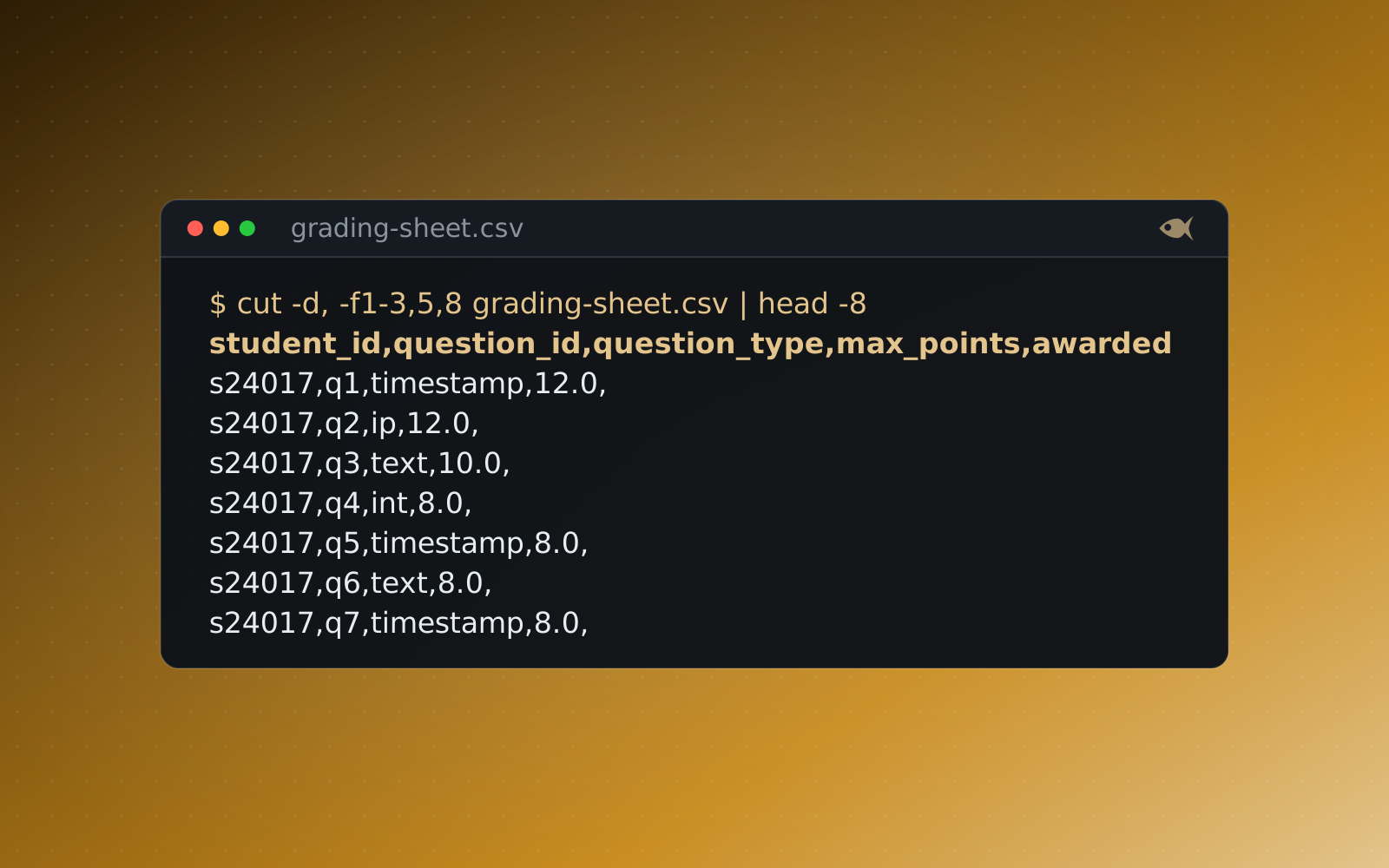
Someone has to guarantee the correct answer is correct, especially if you're grading on it. Ask how the key is produced. A key typed in by a case author drifts from the evidence over time. A key that's computed from the generated evidence and then re-checked against the files by an independent parser before release is one you can defend to a student who challenges a grade.
3. Can learners share answers?
If every learner works identical evidence, the answers circulate, and your assessment measures access to a write-up rather than skill. Ask whether each learner gets their own variant. Per-seed cases, where names, timestamps, IP addresses and hashes differ for everyone, make a copied answer the wrong answer and make group work detectable.
4. Does grading fit how you already work?
Hand-grading a class of thirty forensic reports is a weekend you won't get back. Ask whether grading is automatic, whether it tolerates the things that don't matter (hash case, time zones, whitespace) while catching the things that do, and whether scores post into your LMS. Canvas, Blackboard, Moodle and D2L over LTI is the difference between a tool you use and a tool you fight.
Most of these questions reduce to one: does the platform do the work you were going to have to do by hand, or only rename it?
5. Does it run where you need it?
A browser-only range is useless in an air-gapped room and risky anywhere you can't send student data off-site. Ask where generation and grading actually happen. Software that runs locally, with no account and no cloud call to produce a lab, works in a classroom, a SOC or a secure facility alike, and keeps learner work on the machine.
6. Is it aligned to what you teach?
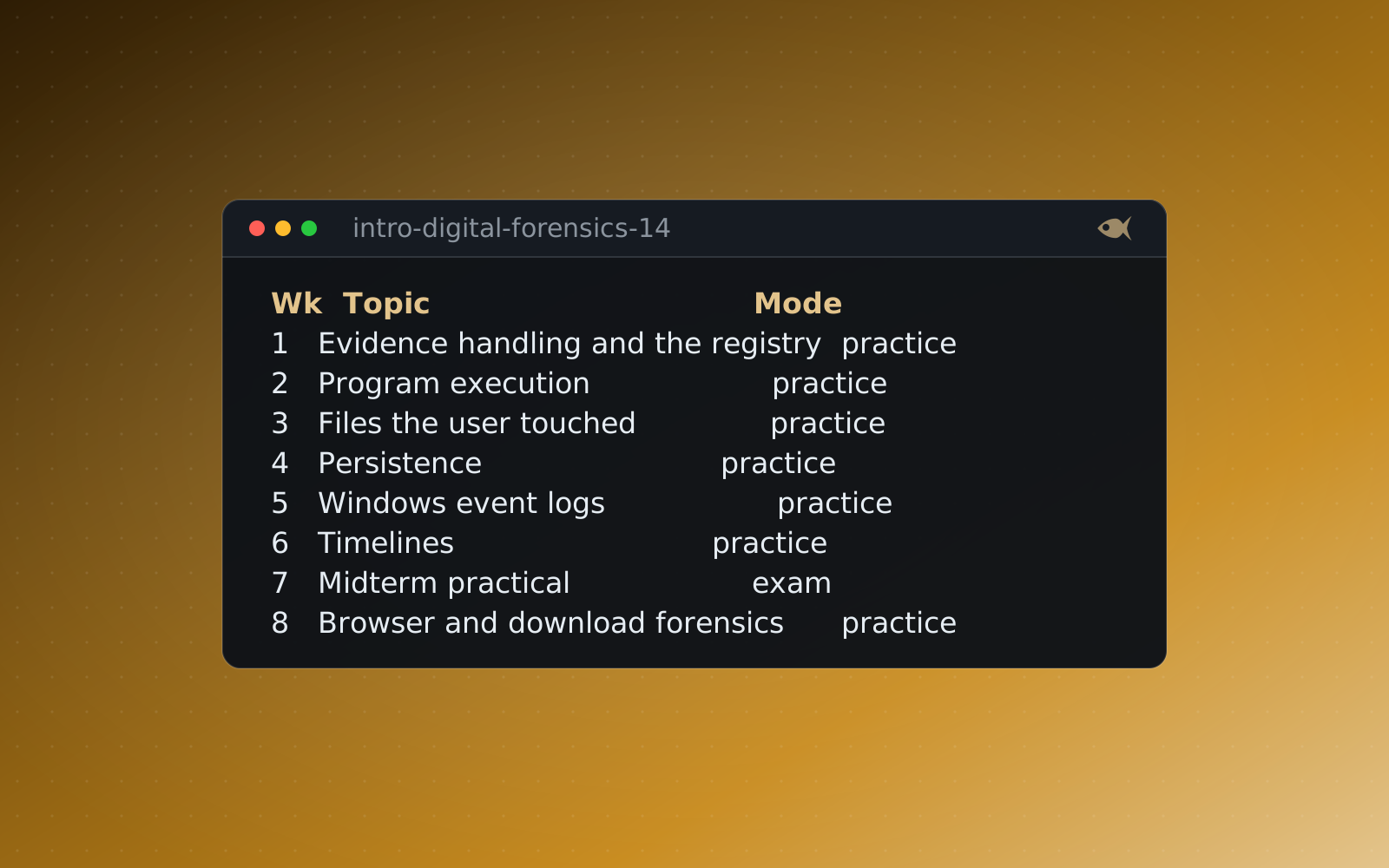
If you're prepping for certifications or teaching to a framework, you want labs that map to them, not a pile of cases you have to sort yourself. Ask about alignment to the GIAC exams (GCFE, GCFA, GNFA, GCFR, GCIH), CompTIA CySA+, MITRE ATT&CK and the NIST 800-61 phases, and whether there are ordered pathways from a first look up to a capstone.
7. What does it actually cost at your size?
Finally, model the price at your real headcount, not the sticker. Per-seat cloud pricing that looks cheap for ten can be unaffordable for a hundred. A flat price that runs on hardware you already own holds steady as you grow. Work out the three-year cost at the scale you expect, and ask what happens when your numbers go up.
The First Look cases are free and a 30-day trial opens a set of sample cases, so you can test the evidence and the grading yourself. The comparison page lines up the alternatives side by side.