How to build a digital forensics course syllabus
A forensics course is a sequence problem. Every artifact is easy once the one before it's understood and bewildering if it arrives too early. Here's the ordering logic behind our 14-week syllabus, why memory and network come late, and what the first week should actually do.
Start from the artifact, not the tool
The most common syllabus mistake is to organize by tool: an Autopsy week, a Volatility week, a Wireshark week. Students learn menus. Organize by artifact instead, with one question per week that the artifact answers: what was plugged in, what ran, what was opened, what persists, who logged on. The tools follow from the artifact, and a student who understands what a Prefetch file records can learn any parser for it in ten minutes.
The second mistake is to begin with a full disk image. A beginner facing twenty questions and a 40 GB E01 doesn't know where to start, so they start nowhere. Begin with a single artifact and a single tool, and widen from there. We call that opening case a First Look, and the whole pathway model is built on it.
The week-by-week logic
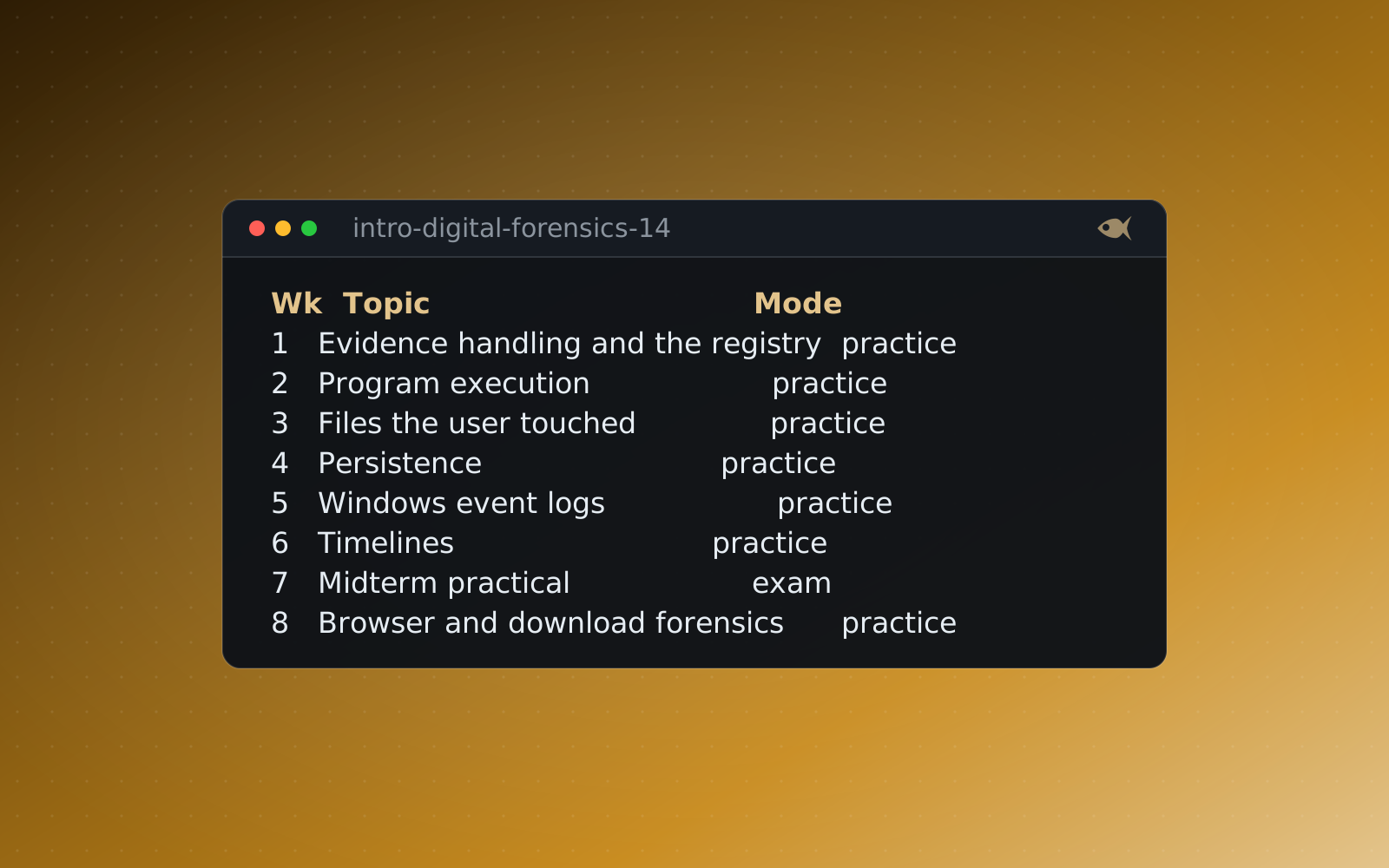
This is the shape of the 14-week Introduction to Digital Forensics course pack, and the reasoning behind each step. The full syllabus PDF is on the free resources page.
- Week 1: evidence handling and one registry hive. Acquisition, hashing, chain of custody, then a SYSTEM hive and the question "what USB device was plugged in". One hive, one key, one answer. See below for why this week matters more than any other.
- Weeks 2 to 4: the Windows execution and file-use artifacts. Program execution (Prefetch, UserAssist, Amcache), then files the user touched (LNK, jump lists, MRUs), then persistence (Run keys, services, scheduled tasks). Each week adds one artifact family and reuses the hive-reading skill from week 1.
- Week 5: Windows event logs. The first artifact that's about accounts rather than files. Teach 4720, 4732, 7045 and 1102, and make a point of subject versus target: who acted versus who was acted on.
- Week 6: timelines. Now that students hold five artifact families, the week is about putting them on one axis. Normalize time zones, build a super-timeline, present it. First Look: Building a Timeline is the case.
- Week 7: midterm practical. One insider-theft case that needs weeks 1 to 6, timed. This is the first time students work multiple artifacts without being told which one holds the answer.
- Weeks 8 and 9: browser and cloud. Downloads traced from history to disk, then exfiltration proved from browser, LNK and email evidence together. These are correlation weeks: the Windows skills applied to a new question.
- Weeks 10 and 11: memory. A First Look in Volatility 3, then a harder case on injected code. See the pacing note below.
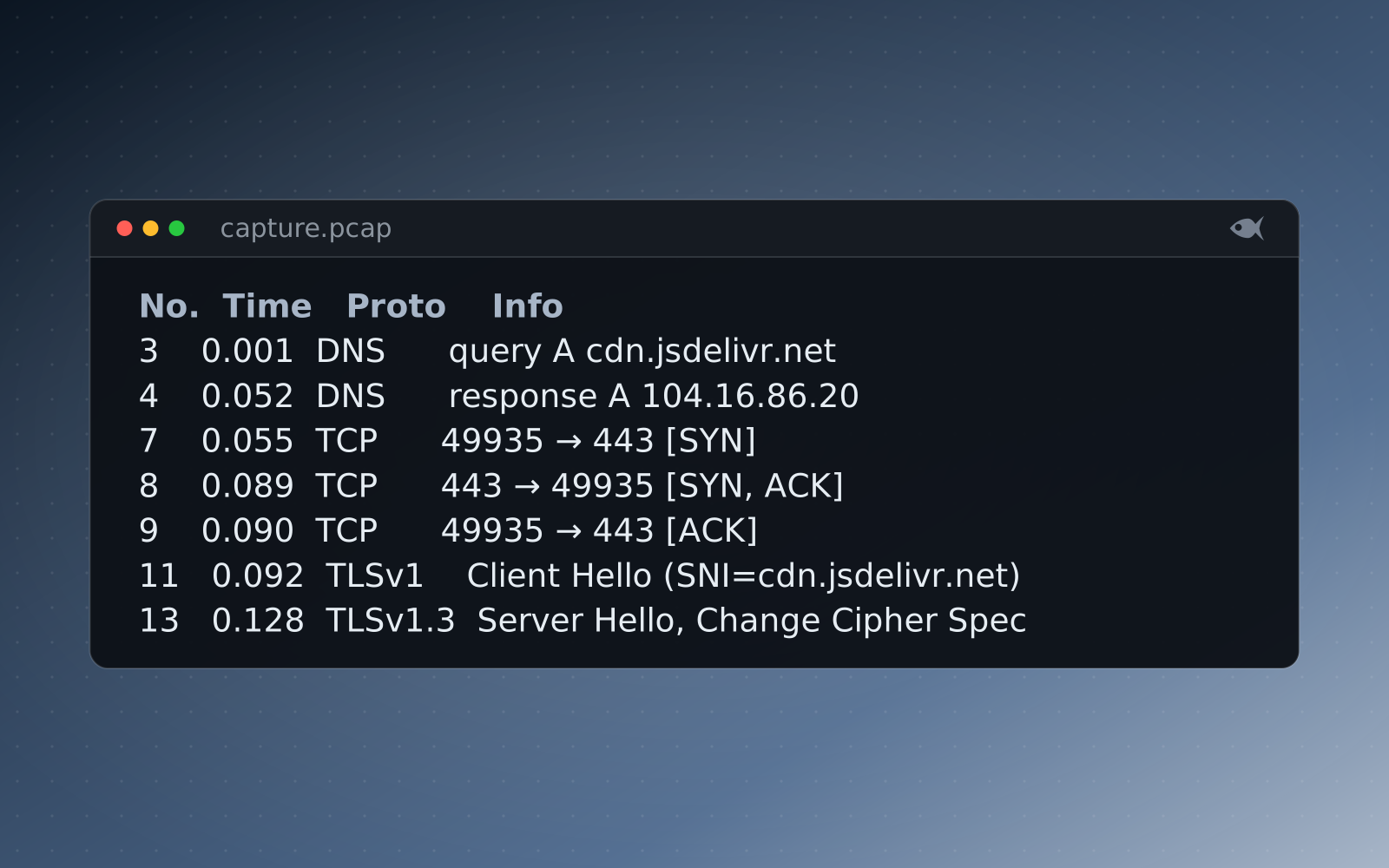
- Week 12: network. A First Look in Wireshark.
- Week 13: mobile. SQLite stores, message joins, Cocoa time. The last new evidence family, and a good one for showing that the method transfers.
- Week 14: capstone and report. A timed multi-artifact case worked end to end, then a written investigation report graded on a rubric.
The pattern is: single artifact, then several of the same family, then correlation across families, then a new family, then a capstone that needs all of them. Every jump is one jump. The pathways post describes the difficulty ladder this maps onto.
If a week's case can be solved without the previous week's skill, the two weeks are in the wrong order or one of them is a tool demo wearing a lab coat.
Why memory and network come late
It's tempting to put packet captures early because Wireshark is colorful and students like it. Resist it. Memory and network evidence are abstract in a way disk evidence isn't: there's no file to point at, timestamps are relative to the capture, and the question "what's suspicious here" has no answer until the student knows what normal looks like. By week 10, students have spent eight weeks on Windows artifacts and have a working sense of what a machine does when nobody is attacking it. That's the right moment to show them a process list or a conversation table and ask what doesn't belong.
Start each with a First Look, and don't try to teach both in the same week. Memory in week 10 asks "which process is wrong and what was it talking to", and week 11 follows it into injected code. Network in week 12 asks "follow this DNS lookup to a connection and read what crossed it". Both reuse the timeline skill from week 6. The capstone then expects a student to carry a finding from one family into the other, which is the whole point of the term.
Assessment mix and tools
The weighting we ship:
- Weekly labs, 50 percent, best 10 of 12. The drop rule removes the incentive to cheat on a bad week.
- Midterm practical, 20 percent. Timed, multi-artifact, weeks 1 to 6.
- Capstone practical, 20 percent. Timed, every family.
- Investigation report, 10 percent. Rubric-graded prose on the capstone findings.
Require free tools only, so no student is blocked by a license: Autopsy, Registry Explorer, PECmd, LECmd, JLECmd, EvtxECmd, Timeline Explorer, Volatility 3, Wireshark, DB Browser for SQLite. Every one has a setup note on our tools page. Allow commercial tools for students who have them, but write questions that the free tools can answer.
If you want the practicals to be copy-resistant, give each student their own variant of the case. Red Herrings generates one from a single authored scenario, verifies every variant's answer key before release, grades the class with tolerances for hashes and timestamps, and exports the grade file to your LMS. Our grading post covers the tolerance rules in detail.
What to do in week 1
Week 1 sets every habit the rest of the term depends on, so don't spend it on history and definitions. Do this instead:
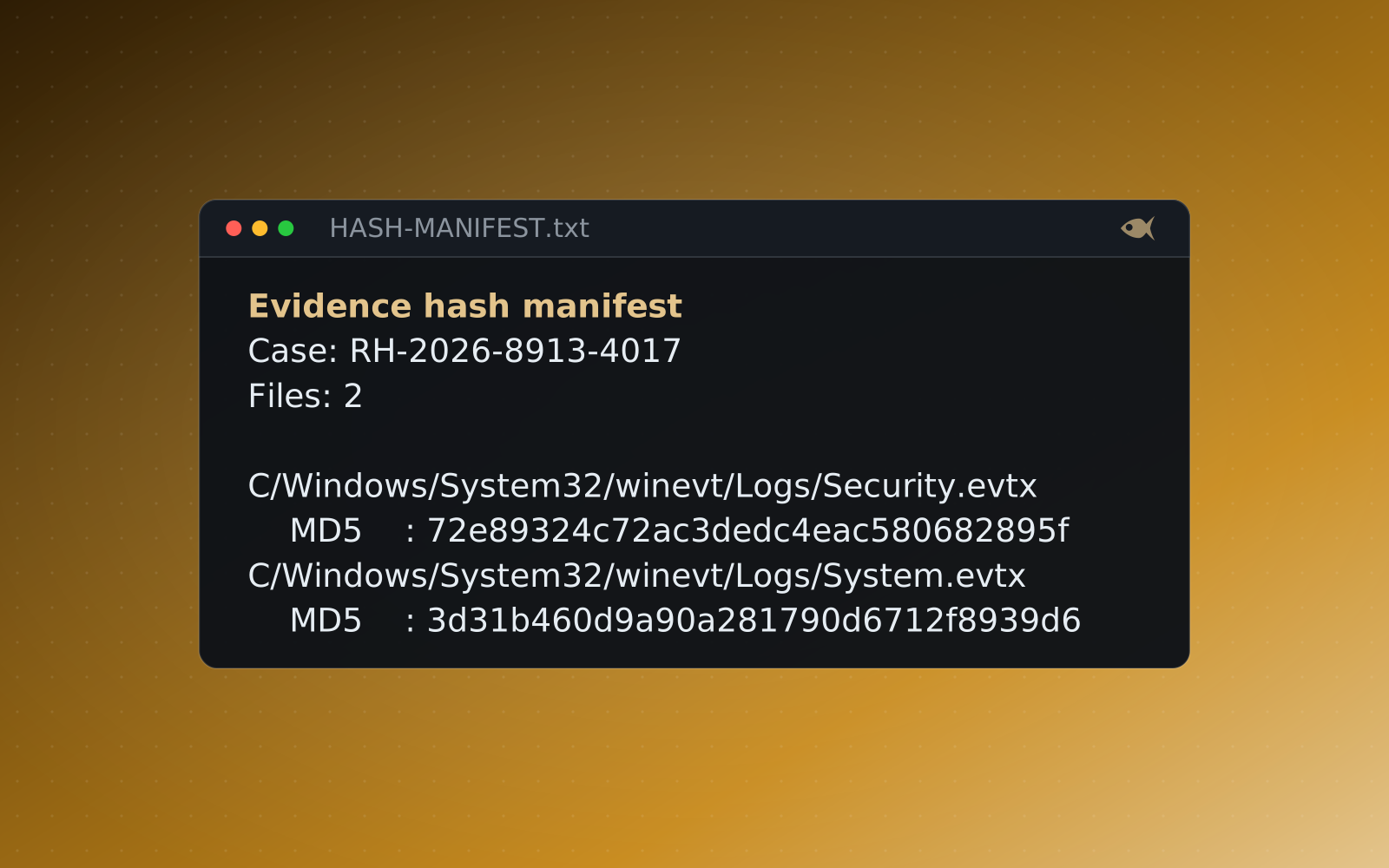
- Hand out evidence as evidence. A ZIP with a hash beside it. The first thing every student does is verify the hash and write it on a chain of custody form. That form travels with every lab for the rest of the term.
- Open one hive in one tool. Registry Explorer, the SYSTEM hive,
USBSTOR. Find one device serial. That's the lab. - Write one finding in one sentence that names the artifact: "The SYSTEM hive records a SanDisk Cruzer, serial 4C53..., first connected 2026-03-14 09:26 UTC." Artifact, fact, time, zone. Students who can write that sentence in week 1 write defensible reports in week 14.
- Grade it the same day. A short lab with same-day feedback does more for week 2 attendance than any syllabus policy.
The single-artifact start can feel too easy to an instructor who knows the field. It isn't too easy for the person in the room meeting a registry hive for the first time. Get them to one correct answer, with one tool, and the next thirteen weeks have somewhere to stand.
Run the free First Look cases or download the sample lab, or start the 30-day trial with sample cases to try, and generate a per-student case.