From first look to capstone: building a DFIR learning pathway
A pile of labs isn't a curriculum. A pathway is: an on-ramp that assumes nothing, a difficulty ladder that builds one rung at a time, and a capstone that proves it all came together.
The hardest moment in a DFIR course is the first one. Drop a beginner into a full disk image with twenty questions and they don't know which tool to open, let alone what to look for. Skip the on-ramp and you lose people in week one. Over-scaffold and your advanced students are bored by October. A pathway solves both by sequencing the work.
Start with a First Look
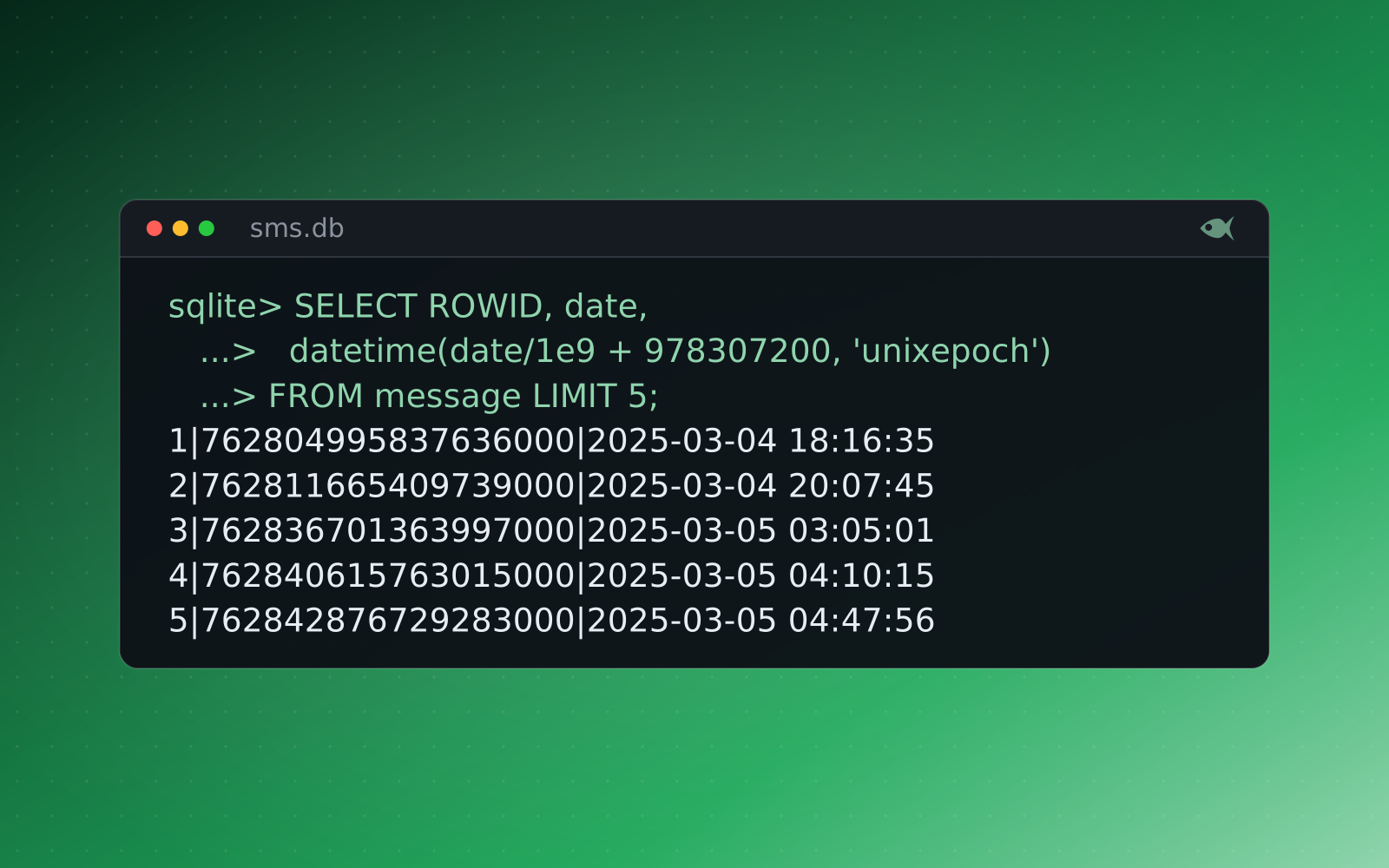
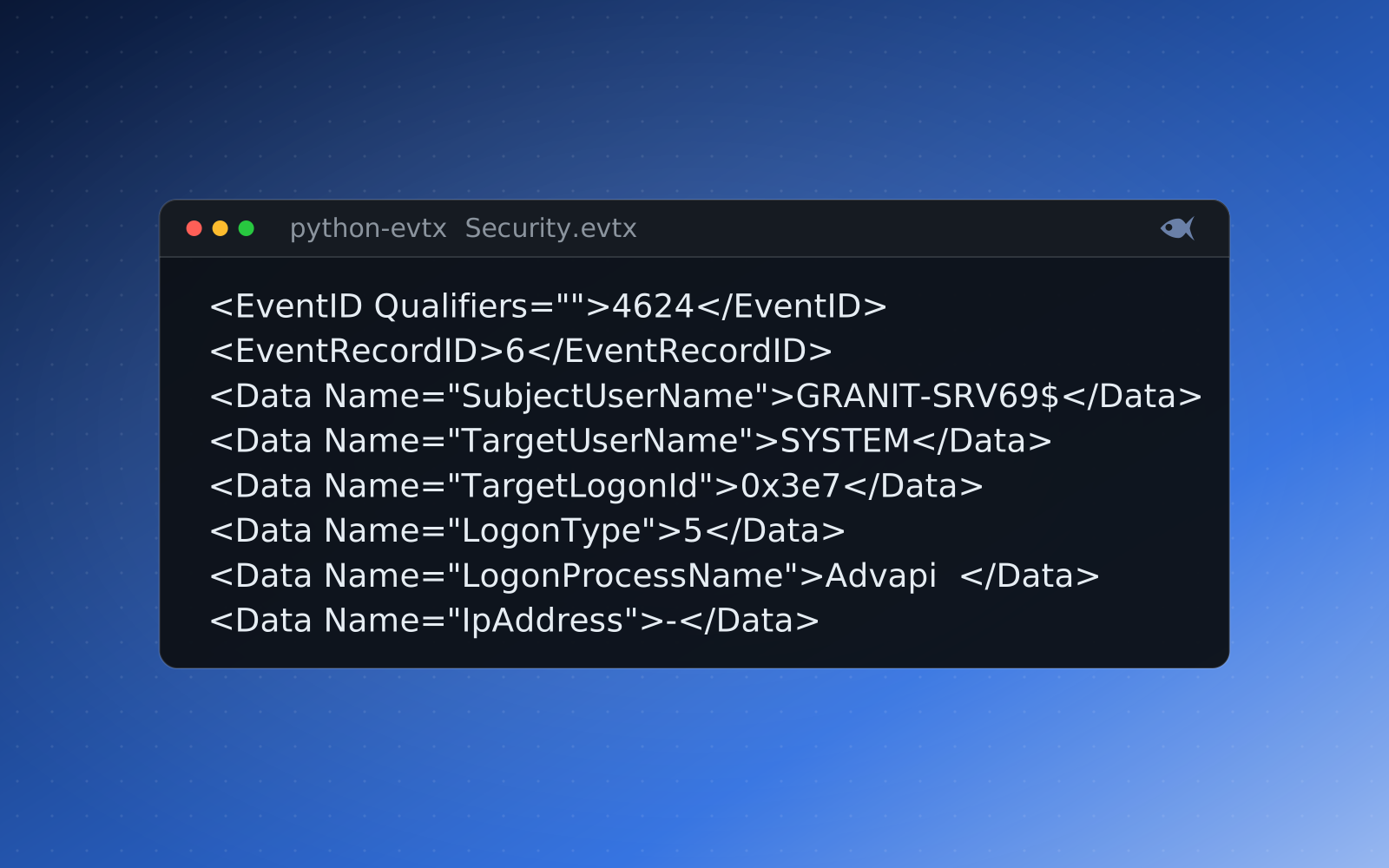
Every core skill in Red Herrings has a First Look case: a short, single-artifact triage that teaches one thing with one tool. A First Look at USB device history. A First Look at a suspicious email's headers. A First Look at a single memory capture, a packet capture, the registry, an event log, or a timeline. The point isn't to challenge; it's to get a learner to a first correct answer so the next case isn't terrifying.
The job of the first lab isn't to test anyone. It's to get a beginner to one correct answer, with one tool, so the second lab feels possible.
Climb the difficulty ladder
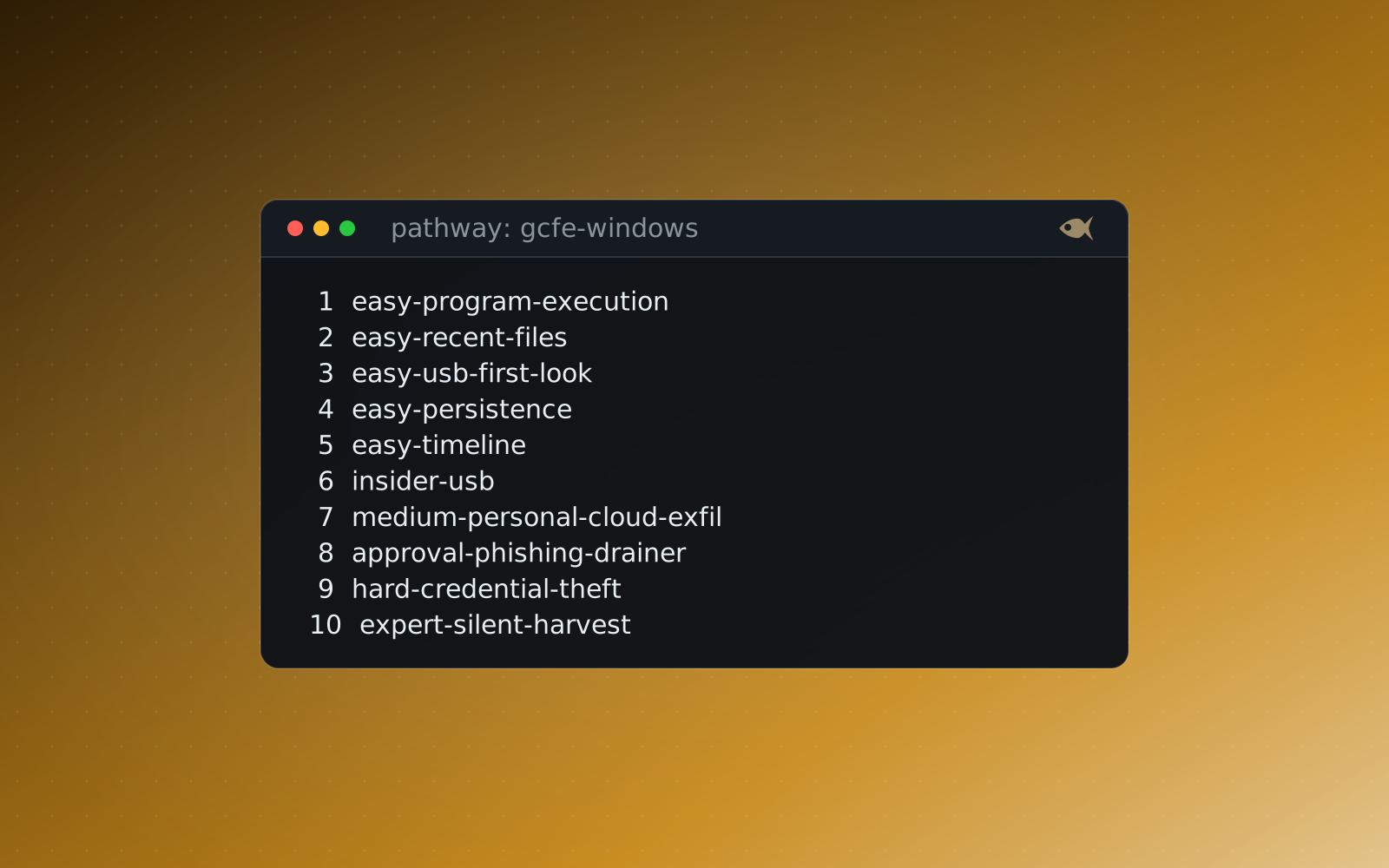
From there the cases step up through a clear ladder: First Look, Medium, Hard, Expert, and the Marquee capstones. Each rung adds an artifact or a pivot: one tool becomes two, a single question becomes a chain, a clean scenario grows the noise and dead ends of a real one. Because the levels are explicit, you can map them straight onto your weeks and know a student is never asked to make two jumps at once.
- First Look: one artifact, a tool or two, a short set of questions. Confidence and tool familiarity.
- Medium and Hard: several artifacts that have to be correlated, a timeline to build, indicators to connect across evidence families.
- Expert and Marquee: multi-hour investigations and capstones that pull disk, memory, network, logs and more into one case, worked end to end.
Follow a pathway to a goal
The ladder tells you how hard; a pathway tells you toward what. Red Herrings groups cases into certification-prep pathways on both sides of the house: Digital Forensics tracks aligned to the published objectives of the GCFE (Windows), GASF (mobile), GNFA (network), the SANS FOR577 (Linux) and FOR518 (macOS) courses, and Incident Response tracks aligned to the GCIH, CompTIA CySA+, GCFR and GCFA. There are role-based paths too (DFIR Analyst Onboarding, Insider-Threat Investigator and Ransomware IR) for when the goal is a job, not an exam. Pick a pathway and the cases arrive in a sensible order, already climbing the ladder. The pathways page lays each one out.
Guided mode at every rung
A ladder only works if students can climb it without you standing beside each one. On the Solution screen, guided mode steps a stuck learner from a nudge about where to look, to how to work it with the right tool, to the answer, one question at a time, so the support is there when a case is at the edge of someone's ability, and absent when it isn't. An optional guided worksheet prints those hints under each question with a tool quick-start appendix, so a student can begin away from the app. The scaffolding fades as the learner climbs.
Different for every student, all the way up
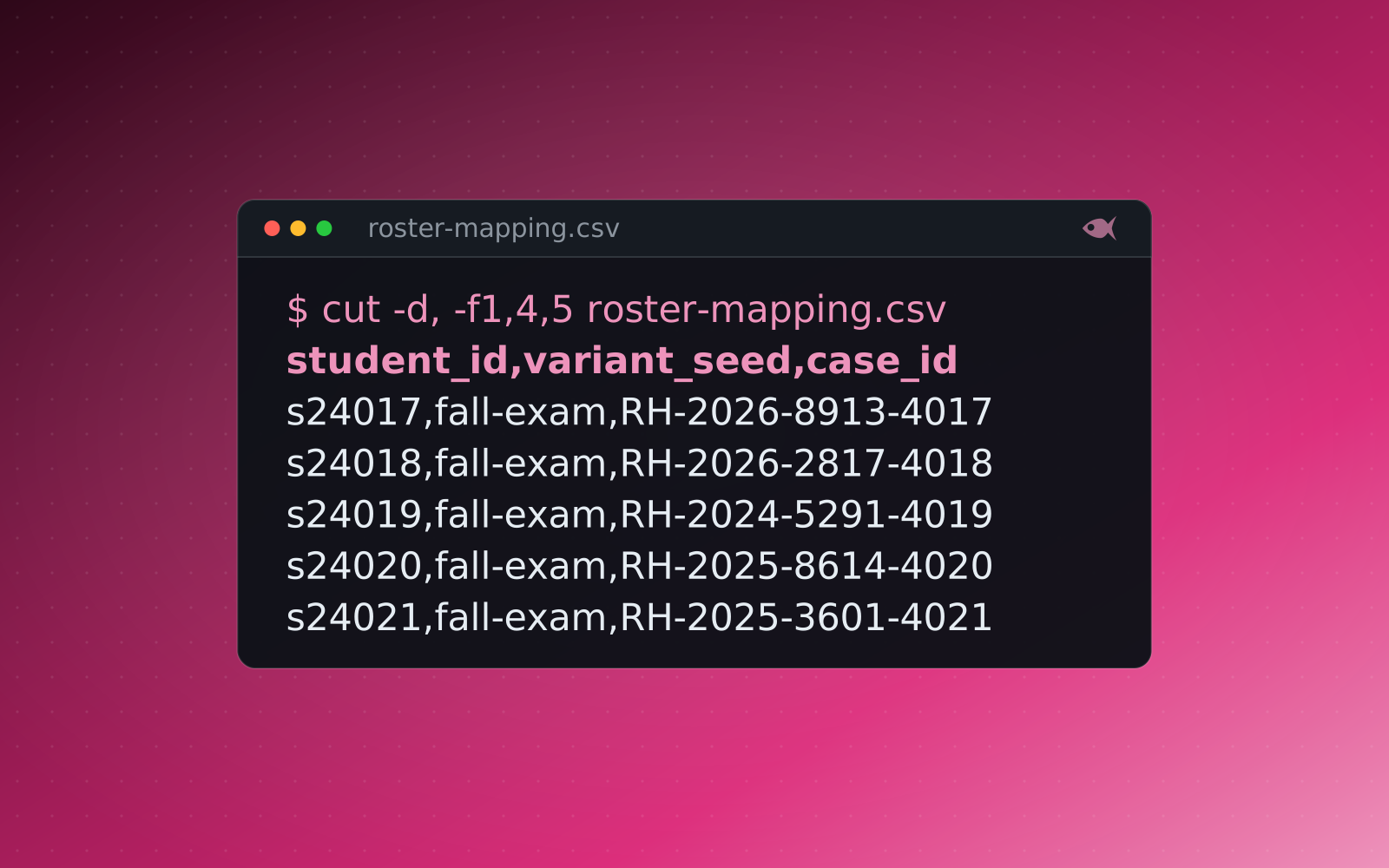
At every rung, each student gets their own individually seeded evidence (their own hostnames, accounts, IPs, timestamps and hashes) so a copied answer is the wrong answer from the First Look to the capstone, and every generated variant is independently re-solved and verified before release. You build the pathway once; the whole class climbs it on evidence that's new every time, and you grade all of it from one sheet.
The First Look cases are free, and a 30-day trial adds a set of sample cases. It runs on your machine, and you can generate a First Look on-ramp for every student.