Run a forensics exam students can't copy
The quiet problem with hands-on forensics assessment isn't grading. It's that two students staring at the same disk image get the same answers, so an "exam" becomes a test of who sat next to whom.
If you teach digital forensics, you already know the drill. You build a case, hand out the same evidence to the whole class, and write an answer key. It works once. Then the key leaks, or two students compare notes, and next term you're rebuilding the entire case from scratch to stay ahead of last year's cohort.
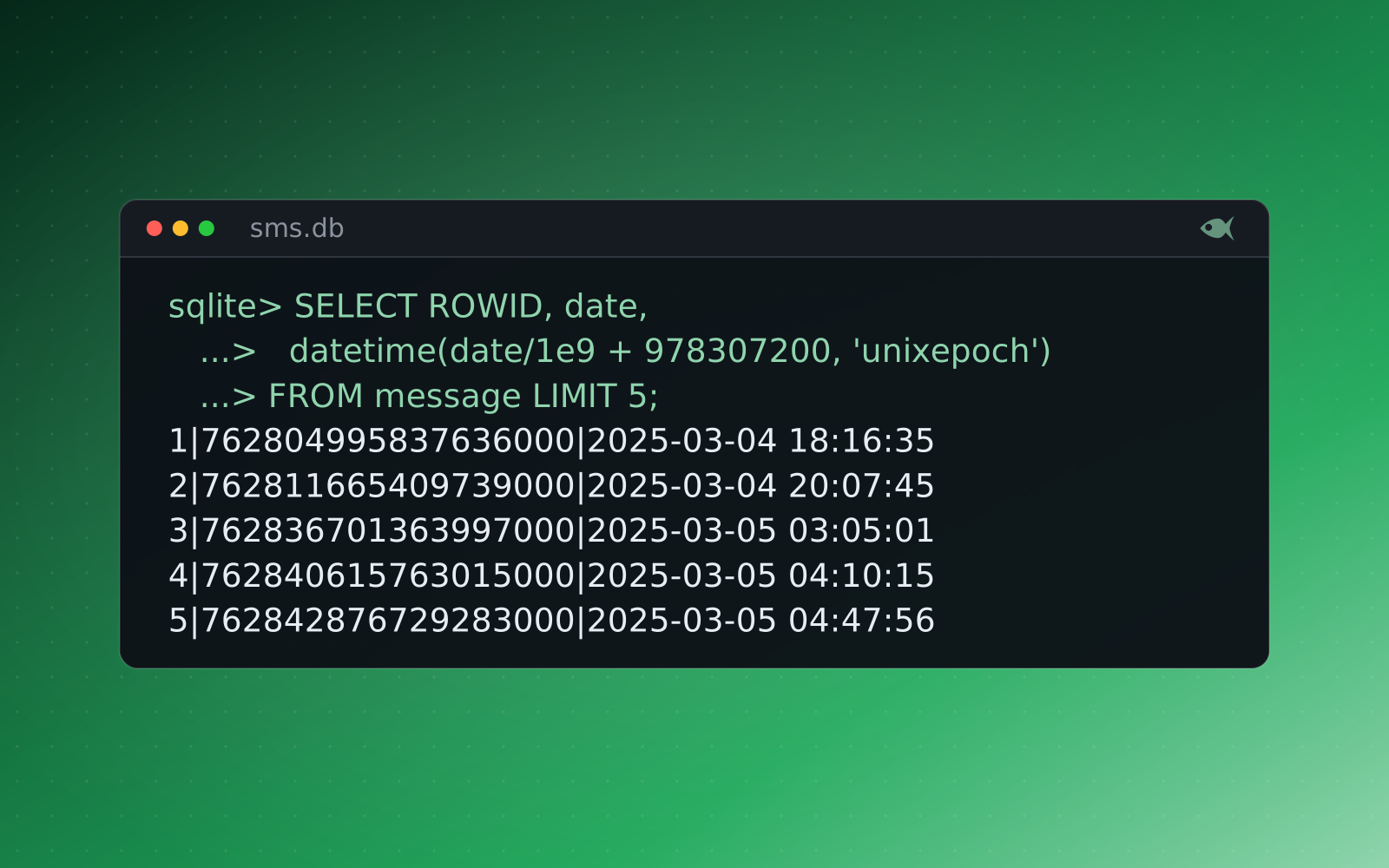
The root cause is that the evidence is identical. When every student analyzes the same image.E01, the "answer" to "what's the attacker's IP?" is one string. Share it once and the assessment is done. No amount of proctoring fixes an exam whose answers are a short, copyable list.
Make the evidence different, not the questions
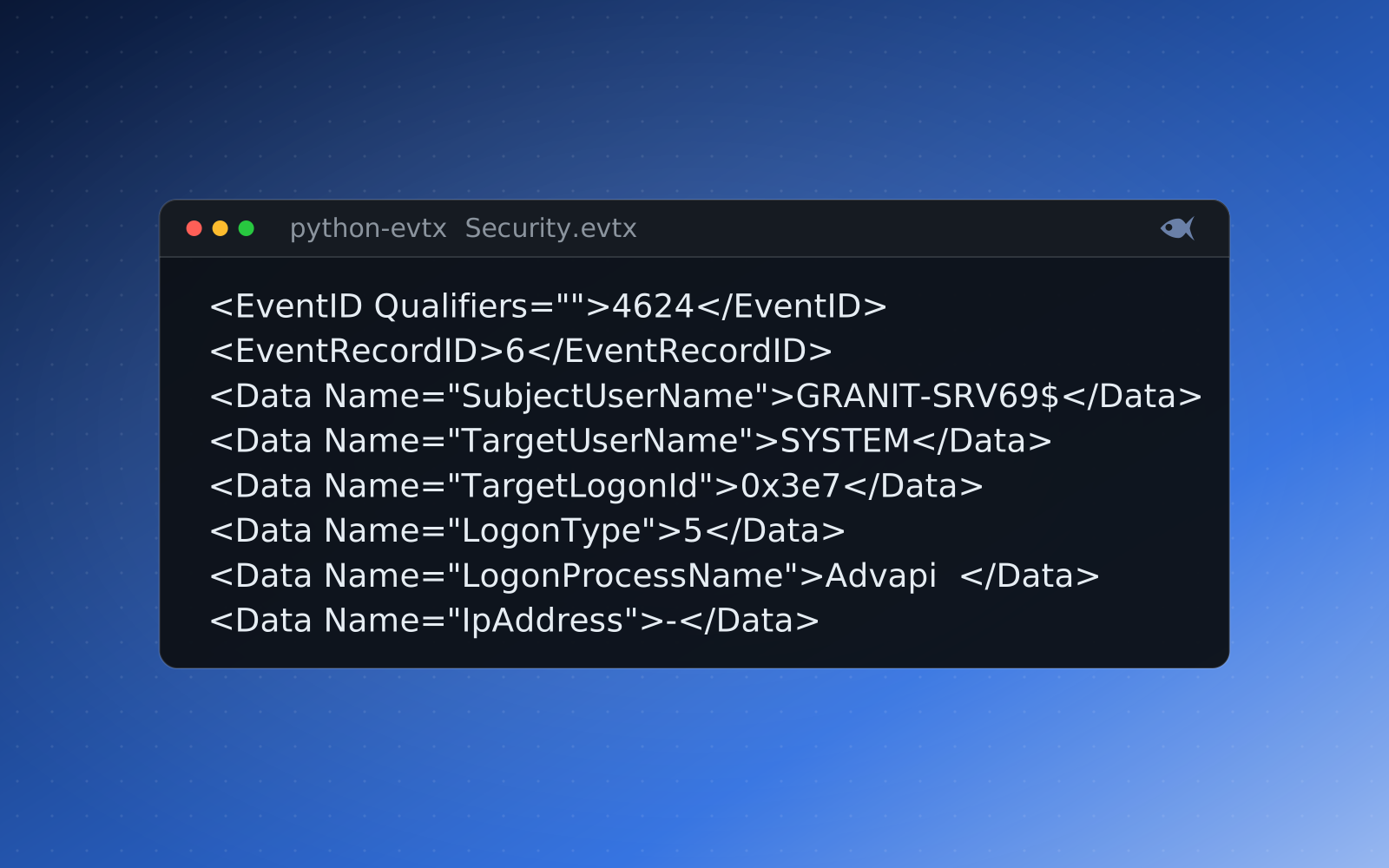
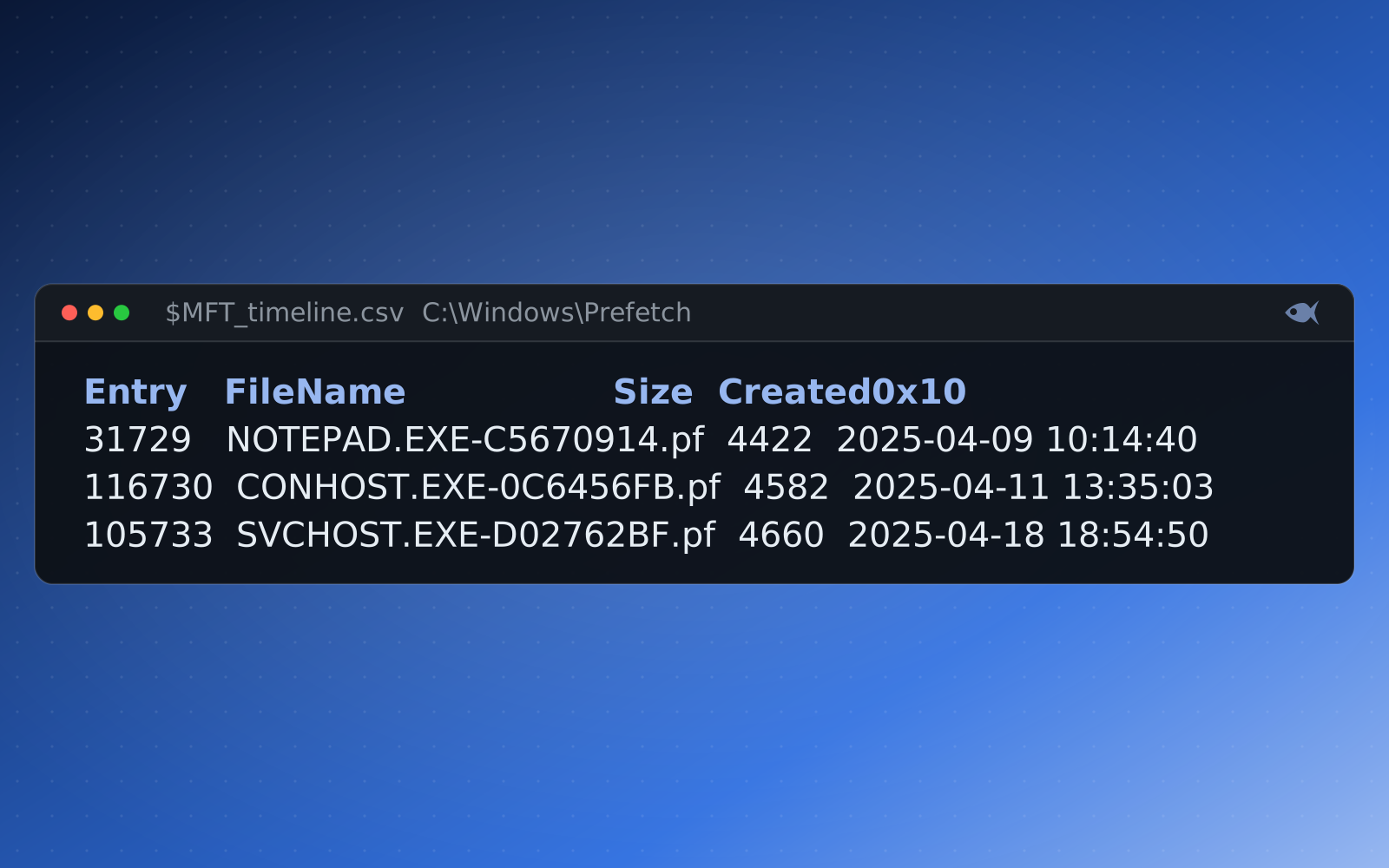
The fix is to change what everyone is looking at. Give each student a case built from the same scenario but seeded differently: their own hostnames, usernames, timestamps, file hashes, IP addresses and therefore their own answers. The questions read the same; the answers don't match anyone else's. Copying a neighbor's "203.0.113.47" is wrong, because their attacker used a different address.
If the answer key is a list of facts, a unique-evidence exam turns that list into a per-student list, and a copied answer is a wrong answer.
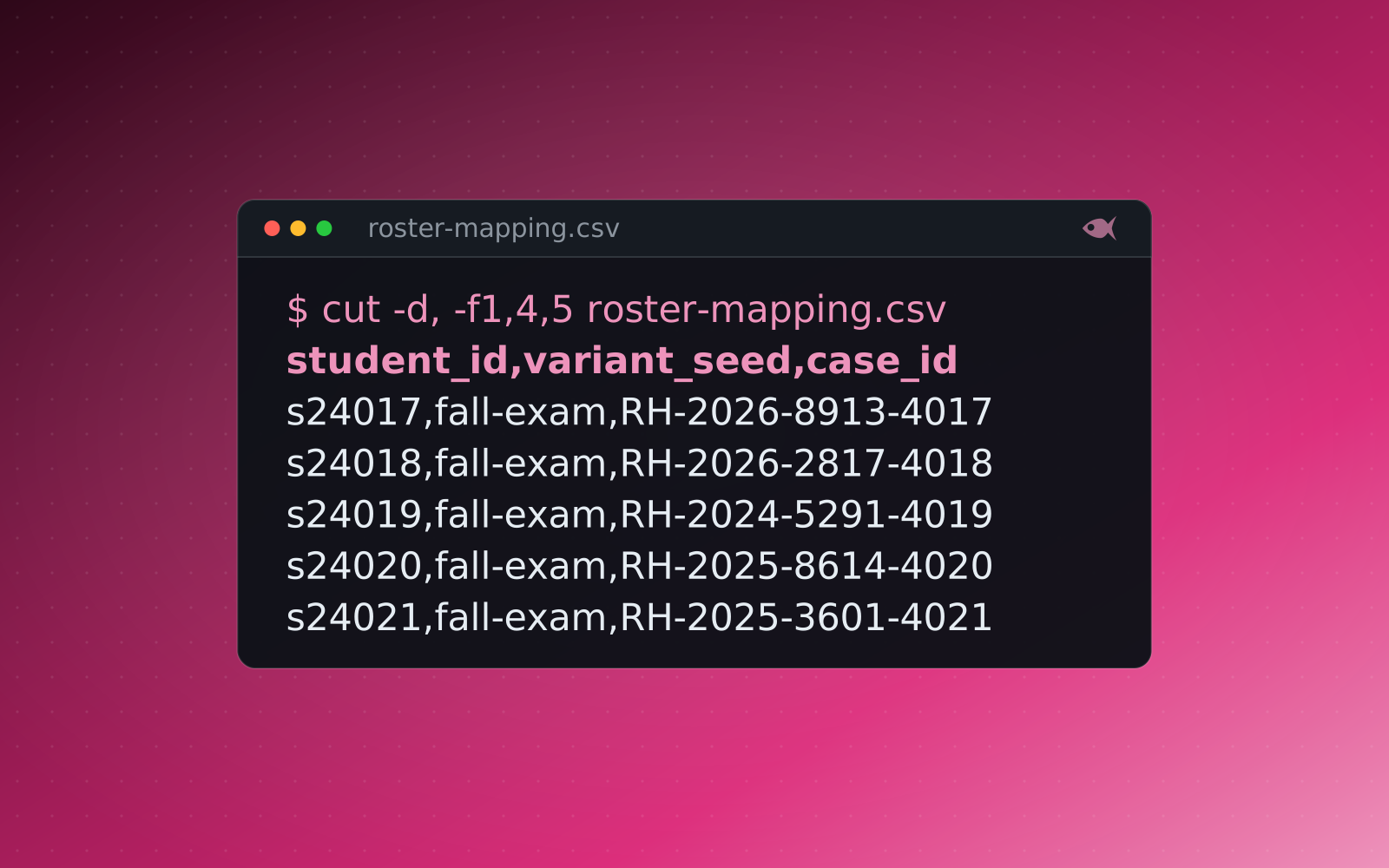
That's exactly what Red Herrings does: you write or pick one scenario, and it generates an individually seeded evidence set, worksheet and answer key for every student, verifying each one against its own evidence before you ever hand it out. You prepared one case; the class gets thirty different ones.
Let students work it in the browser
Unique evidence solves copying. The next friction is logistics: distributing zips, collecting submissions, grading by hand. So students can now open their lab in the browser and answer it there:
- Practice mode gives instant per-question feedback and optional hints, good for homework and self-study, nothing locked.
- Timed exam mode starts a countdown when the student opens their link, captures and locks their answers on submit, and flags anything turned in late.
Crucially, the answer key never reaches the browser. A single answer is graded on your machine and only "right" or "wrong" comes back, so the page a student loads can't be mined for solutions. Per-question checking is bounded and turned off entirely during exams, so the feedback can't be scripted into an answer oracle.
Grade the whole class, then see where they struggled
As submissions come in, a dashboard shows the class average and median, the score distribution, and a per-question breakdown sorted hardest-first, including the most common wrong answer and a flag for any question nobody got, which usually means a mis-keyed answer rather than a hard one. It's the fastest way to find the one question that confused everyone.
Because every student's evidence is seeded differently, the gradebook also runs an anti-collusion report: it looks for answers that match another student's keyed values rather than the student's own, which is the signature of a copied submission on a per-student case. And the key behind it all is produced by the verification check, an independent parser pass that re-derives every answer from each student's files, so nothing is ever hand-keyed.
Or run it straight from your LMS
If your institution lives in Canvas, Blackboard, Moodle or D2L, Red Herrings can connect as an LTI 1.3 tool: add a case from inside the assignment editor, pull the roster automatically, and have each student's score post back to the gradebook when they submit. No CSV round-trips, and you can export a whole case as a Common Cartridge (.imscc) to import elsewhere. It's an optional connected mode; the desktop app otherwise runs fully offline, with no student data leaving your machine.
The First Look cases are free, and a 30-day trial adds a set of sample cases. It runs on your machine, and you can hand out your first copy-resistant lab.