Photos.sqlite and knowledgeC.db forensics: iOS 17 SQL queries
Two databases on an iPhone answer most questions about a person's day: Photos.sqlite for what they photographed, when, where and whether they deleted it, and knowledgeC.db for which app was on screen. Both keep Apple time, and both have traps.
Two SQLite files on an iPhone answer most of the timeline questions about someone's day. Photos.sqlite says what they photographed, when and where, and whether they deleted it. knowledgeC.db says which app was on screen and for how long. Both are Core Data stores, both keep Apple's own epoch, and both have a column that looks like the answer and isn't.
Column names below are from iOS 17.3 (21D50), checked against the public iOS 17.3 reference image on Digital Corpora.
Where they are
In a full file system extraction:
/private/var/mobile/Media/PhotoData/Photos.sqlite, with its-waland-shmfiles. Photos runs the database in WAL mode, so recent changes can sit in the-walfile until a checkpoint. Copy all three together and open them together./private/var/mobile/Library/CoreDuet/Knowledge/knowledgeC.db, the CoreDuet knowledge store.
Photos.sqlite: what, when, where
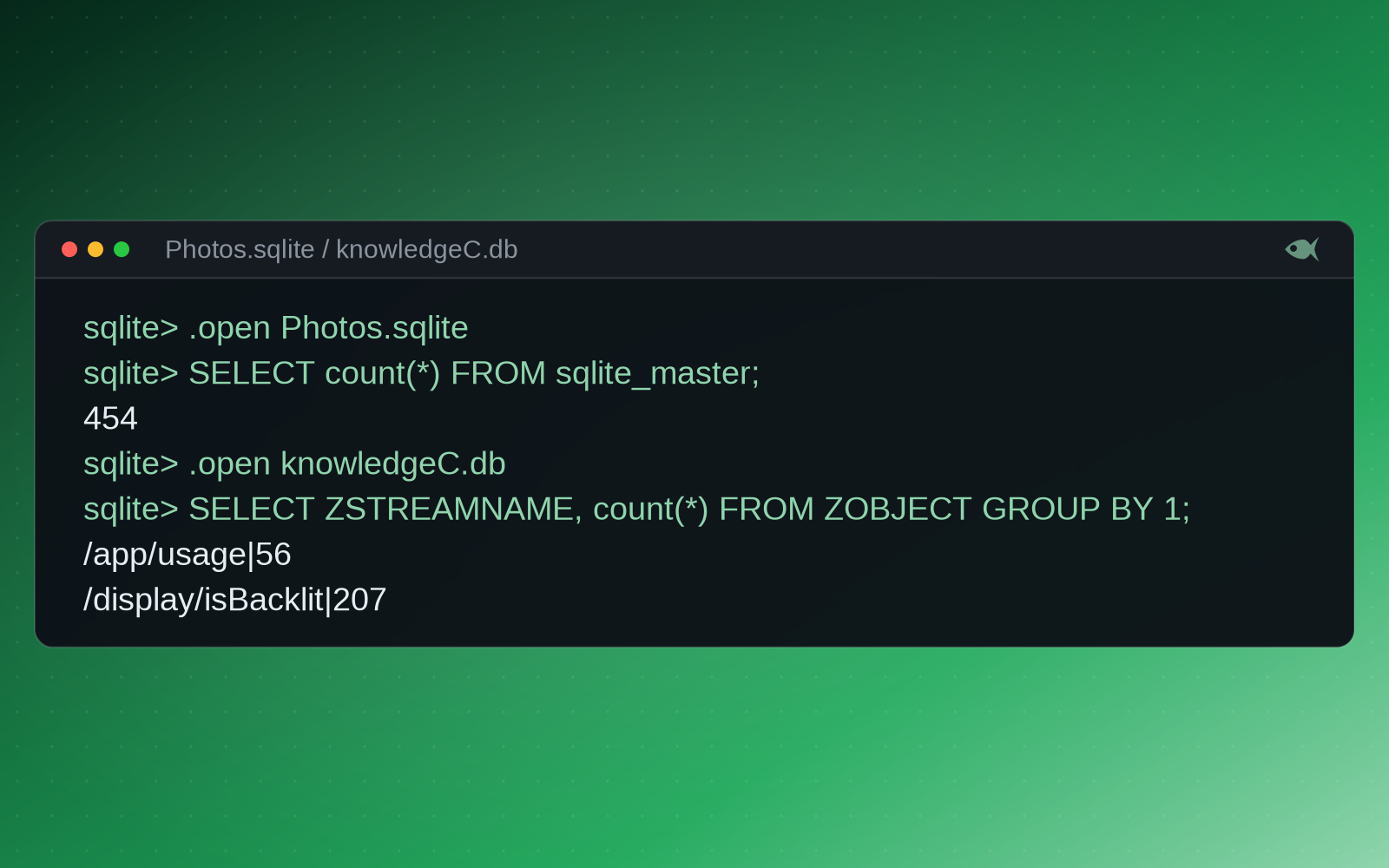
The library is big (454 schema objects on iOS 17.3), but three tables carry most of the evidence:
ZASSET(calledZGENERICASSETbefore iOS 14): one row per photo or video.ZDIRECTORYandZFILENAMEgive the file (DCIM/100APPLE,IMG_0042.HEIC);ZDATECREATEDis the capture time;ZADDEDDATEis when it entered the library;ZLATITUDEandZLONGITUDEhold the location, with -180.0 in both meaning none;ZTRASHEDSTATEandZTRASHEDDATEmark an item in Recently Deleted;ZHIDDENandZFAVORITEare the user's flags.ZADDITIONALASSETATTRIBUTES, joined onZASSET = ZASSET.Z_PK: the original file name and size,ZEXIFTIMESTAMPSTRING(the camera's local time as text),ZTIMEZONEOFFSETandZTIMEZONENAME, andZIMPORTEDBY, a code for how the item arrived (the camera, a screenshot, another app).ZEXTENDEDATTRIBUTES: what the file's own metadata says, includingZCAMERAMAKE,ZCAMERAMODEL,ZLENSMODELand its own date and location. When these disagree withZASSET, ask whether the date or place was edited in Photos after capture.
SELECT  a.Z_PK,
        a.ZDIRECTORY || '/' || a.ZFILENAME                          AS path,
        datetime(a.ZDATECREATED + 978307200, 'unixepoch')         AS created_utc,
        aa.ZEXIFTIMESTAMPSTRING                                   AS exif_local,
        aa.ZTIMEZONENAME                                          AS tz,
        CASE WHEN a.ZLATITUDE  = -180 THEN NULL ELSE a.ZLATITUDE  END AS lat,
        CASE WHEN a.ZLONGITUDE = -180 THEN NULL ELSE a.ZLONGITUDE END AS lon,
        a.ZTRASHEDSTATE                                           AS trashed,
        datetime(a.ZTRASHEDDATE + 978307200, 'unixepoch')         AS trashed_utc
FROM      ZASSET a
LEFT JOIN ZADDITIONALASSETATTRIBUTES aa ON aa.ZASSET = a.Z_PK
ORDER BY  a.ZDATECREATED;
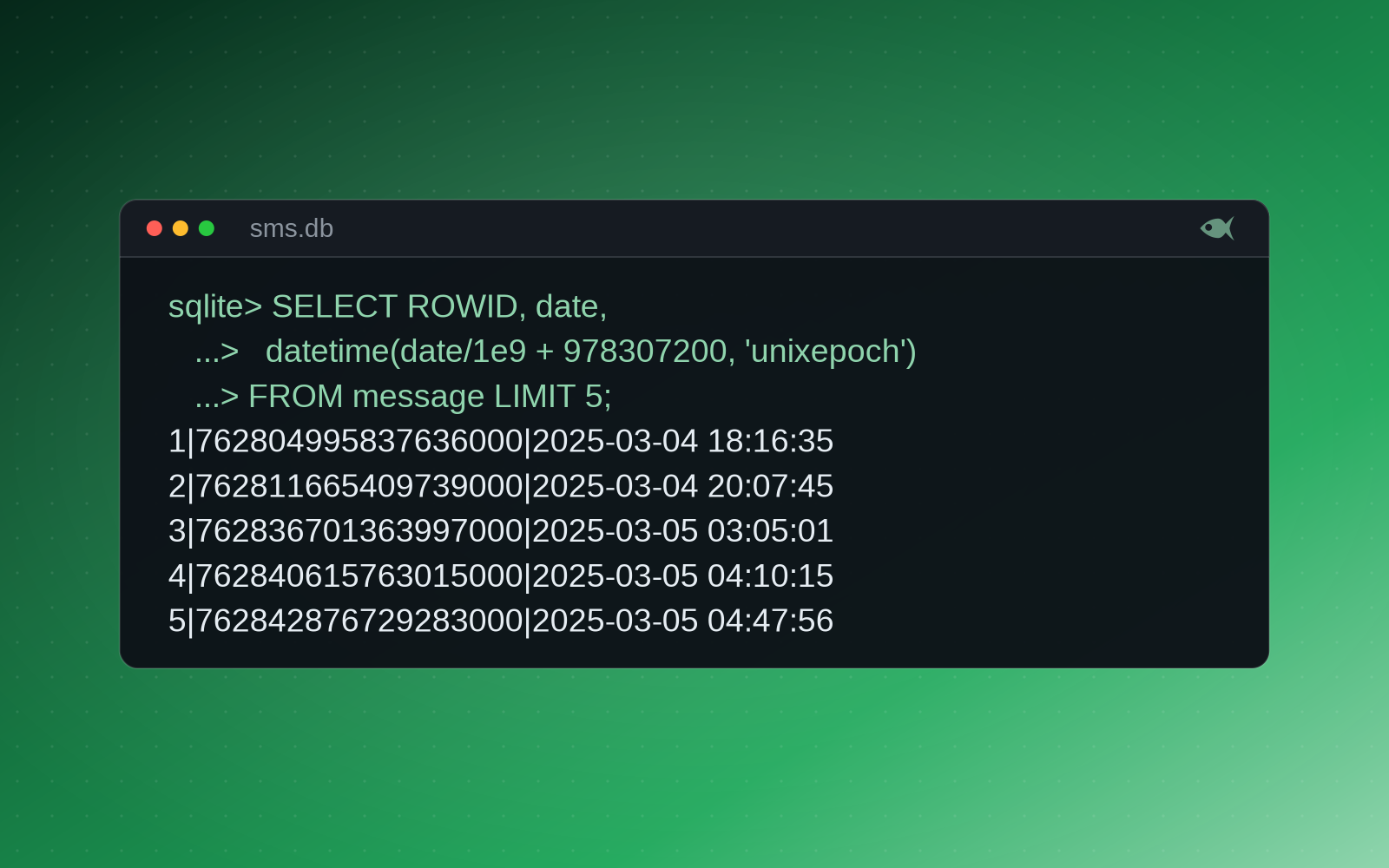
The trap is the epoch again, with a twist. ZDATECREATED is a REAL count of seconds since 2001-01-01 UTC, with a fraction. It isn't nanoseconds like sms.db's message dates, so the divide-by-a-billion habit from Messages gives a date in 2001. Add 978307200 and read it as Unix time:
$ sqlite3 -header -column :memory: "SELECT 763725600.5 AS raw,
  datetime(763725600.5, 'unixepoch') AS as_unix,
  datetime(763725600.5 + 978307200, 'unixepoch') AS as_cocoa;"
raw          as_unix              as_cocoa
-----------  -------------------  -------------------
763725600.5 1994-03-15 10:00:00 2025-03-15 10:00:00The second trap is the two clocks. ZDATECREATED is an instant in UTC; ZEXIFTIMESTAMPSTRING is the wall-clock time on the phone, with no zone. ZTIMEZONEOFFSET (seconds) connects them, and a student who reports the EXIF string as UTC is off by the phone's offset.
Recently Deleted keeps items for 30 days with ZTRASHEDSTATE set to 1 and the deletion time in ZTRASHEDDATE. After that the row is gone from the table, though pieces can survive in the WAL file and in freed pages.
knowledgeC.db: which app, for how long
Each event is a row in ZOBJECT, tagged with a stream in ZSTREAMNAME. Recent iOS versions record many streams in Biome instead (SEGB files under /private/var/mobile/Library/Biome), but on iOS 17 knowledgeC still holds the two that matter most here:
/app/usage: one row per stretch of an app in the foreground, with the bundle ID inZVALUESTRINGand the span inZSTARTDATEandZENDDATE. On iOS 16 and later it takes the place of/app/inFocus, the stream older guides query./display/isBacklit: the screen turning on (ZVALUEINTEGER1) and off (0).
SELECT  datetime(ZSTARTDATE + 978307200, 'unixepoch')  AS start_utc,
        datetime(ZENDDATE   + 978307200, 'unixepoch')  AS end_utc,
        ZENDDATE - ZSTARTDATE                          AS seconds,
        ZVALUESTRING                                   AS bundle_id,
        ZSECONDSFROMGMT / 3600.0                       AS utc_offset_h
FROM    ZOBJECT
WHERE   ZSTREAMNAME = '/app/usage'
ORDER BY ZSTARTDATE;
The dates are Cocoa seconds again. ZSECONDSFROMGMT is the phone's UTC offset when the event happened, so use it for local time instead of assuming the zone. ZCREATIONDATE is when the row was written, at or after the end of the event, so don't report it as the start.
The two streams check each other. App usage should sit inside a backlit stretch; a Camera session should line up with the ZDATECREATED of the photos it took. A photo with no Camera session around it came from somewhere else, and ZIMPORTEDBY says where.
Checking with iLEAPP
iLEAPP reads both databases from an extraction folder (python3 ileapp.py -t fs -i extraction/ -o report/) and writes HTML and TSV reports with the dates decoded. Have students answer from the SQL first, then confirm in iLEAPP. When the two disagree, finding out which column iLEAPP read is the lesson.
In the iPhone cases
The iPhone cases in Red Herrings ship a full file system extraction of an iOS 17.3 (21D50) phone: Photos.sqlite with the library's own rows and a row per camera photo, knowledgeC.db with /app/usage and /display/isBacklit, and sms.db, the address book and Safari's History.db, each with its -wal and -shm files. The stores use the reference image's schema, so the queries above and iLEAPP's reports run as they would on a real extraction. Each student's photos, places, apps and times are their own.
The First Look cases are free, and a 30-day trial adds a medium and a hard case in each discipline. It runs on your machine and generates a different phone for every student.